EN
EN  DE
DE  ES
ES  NL
NL  IT
IT  PT
PT  JA
JA 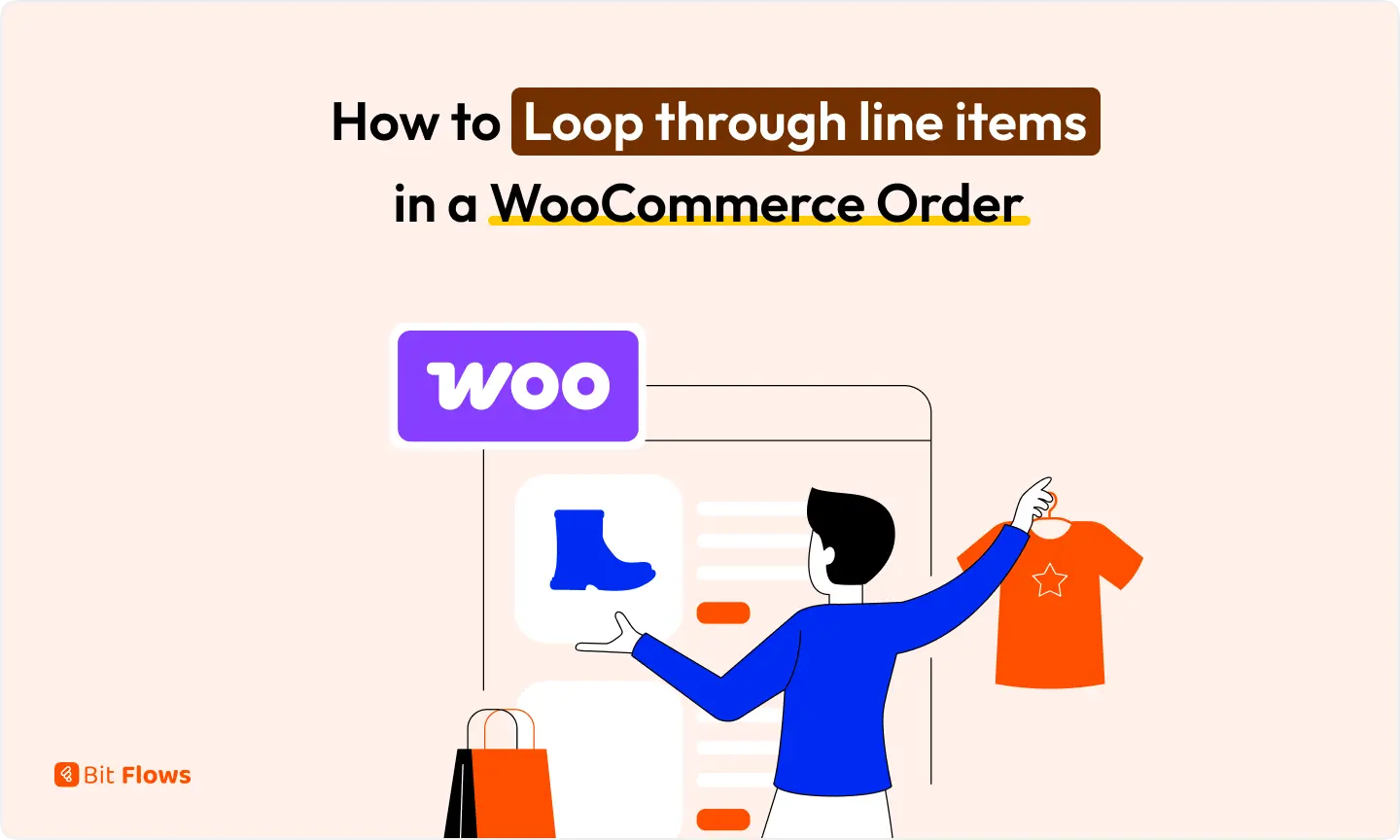
How to Loop Through Line Items in a WooCommerce Order
A WooCommerce order can contain several products, but many workflows need those products separately. Maybe you want one spreadsheet row…
Step-by-step integrations guides in Bit Flows with popular platforms like Shopify, WordPress, CRMs, and SaaS tools. Simplify complex workflows with advanced automation solutions and unlimited integrations.
A WooCommerce order can contain several products, but many workflows need those products separately. Maybe you want one spreadsheet row per item, one CRM record per product, or cleaner data for reporting. Instead of mapping line_items[0], line_items[1], and so on manually, you can loop through the full line_items array and process every product automatically. This […]
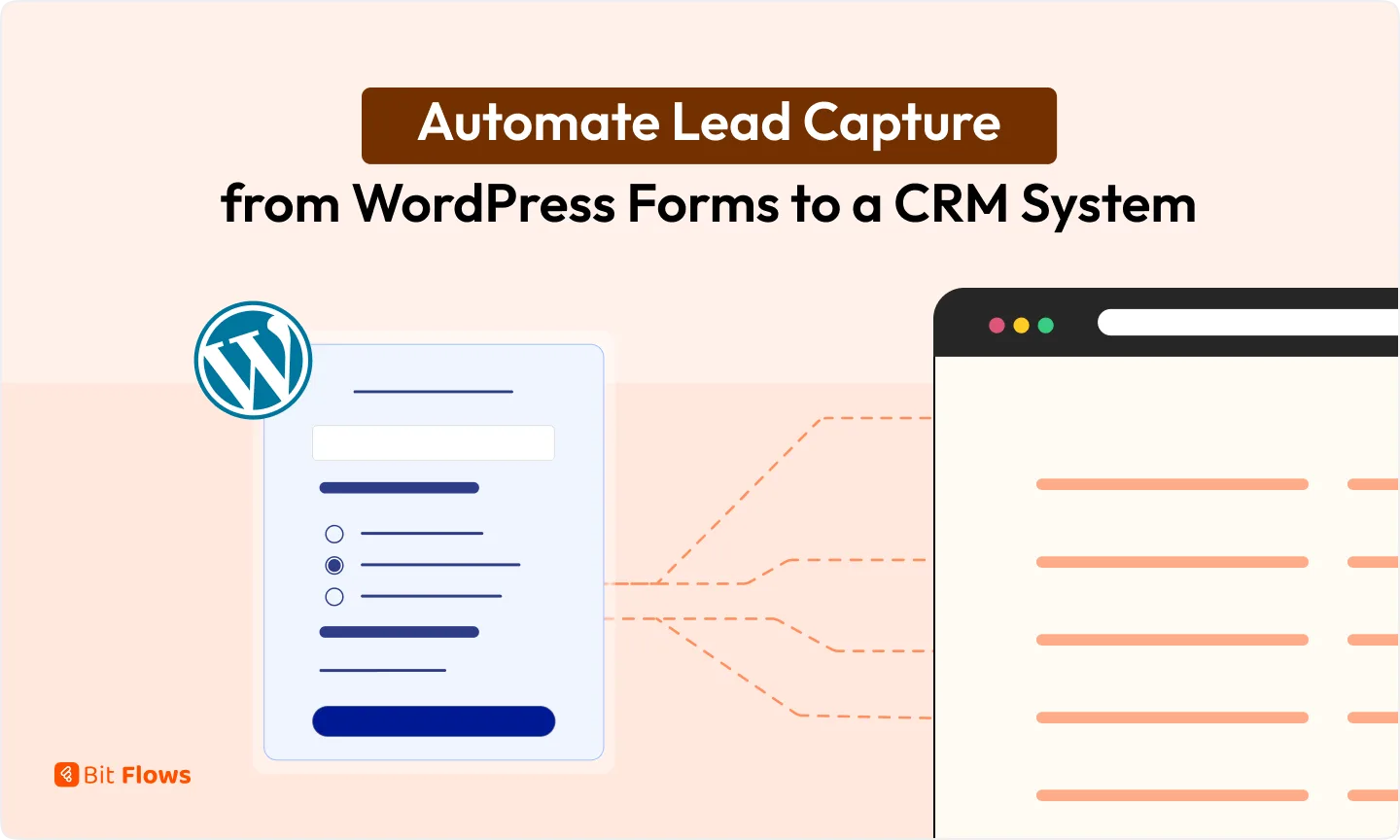
Every WordPress form submission is the start of a possible sale. The problem is what happens next. If that lead sits inside your form entries until someone copies it into a CRM by hand, follow-up slows down, records get duplicated, and the detail from the original message gets lost. The fix is to automate lead […]
When your WooCommerce store is small, copying order details into Airtable is manageable. When order volume grows, it stops being a minor task and becomes a daily process. Someone checks the orders, copies the customer name, email, phone, product, and payment method, and pastes everything into the right Airtable table. Do it for ten orders. […]
WooCommerce emails you when a new order comes in. That works fine, right up until it doesn’t. You’re packing yesterday’s orders, replying to a refund request, or just away from your inbox, and the order sits there unnoticed for three hours. The customer paid by bank transfer, expected quick confirmation, and got silence. A WooCommerce […]
A new user registering on your WordPress site should trigger an immediate action, but if that notification is buried inside your dashboard, it’s incredibly easy to miss. Relying on manual checks slows down approvals and frustrates new members. WordPress records the registration, but it does not put that update where your team is already working. […]
A WordPress form should not create another manual task for your team. Many websites collect leads through a form, send a notification, and leave the rest to someone on the sales team. That person has to open the form entry, copy the name and email, search the CRM, create or update the contact, and then […]
A lead form is useful only when the data moves somewhere after submission. Most WordPress lead forms collect names and emails inside the dashboard. Then someone has to copy the subscriber details, add the contact to Mailchimp, repeat the same step in Brevo, and send a confirmation reply. That may work at first. Once submissions […]
Your team works in Discord. Your WooCommerce orders, sales numbers, and product reviews still live inside WordPress. That gap means someone has to open WooCommerce to check completed orders, review sales activity, or see whether a new product review needs attention. Small checks like these do not feel like much until they happen across a […]
Every business owner knows the scenario. A potential client fills out a contact form on your WordPress site. The lead sits in your inbox. Someone on your team opens GoHighLevel, manually creates the contact, opens the pipeline, adds an opportunity, writes a follow-up task, and enrolls the contact in a nurture workflow. If they do […]
Most WooCommerce stores treat a $600 buyer the same way they treat a $40 buyer. At first, that may not feel like a big problem. But once you start sending the same follow-up emails, discount offers, and customer journey to every buyer, your best customers get mixed into the same list as everyone else. A […]

WooCommerce sends the same order notification for every order, even when each order needs different attention. A paid order that is ready to ship may look the same as a pending check payment, a failed transaction, a high-value Cash on Delivery order, or an order with an urgent customer note. The store team then has […]
OpenRouter gives you access to many AI models from one place. Bit Flows automation plugin lets you connect OpenRouter inside WordPress and use those models in real automation workflows. You can use OpenRouter to generate content, summarize data, write email drafts, classify messages, prepare reports, and run AI Agent workflows. Bit Flows can fetch available […]