Un CRM WordPress dovrebbe fare più che raccogliere nomi e indirizzi email. Dovrebbe rispecchiare il modo in cui la tua azienda attira potenziali clienti, effettua followup, chiude vendite, serve i clienti e registra le entrate.
Ecco perché scegliere il miglior plugin CRM per WordPress può essere confusionario. Alcuni prodotti sono costruiti per le pipeline di vendita. Altri si concentrano su newsletter, automazione WooCommerce, fatturazione o gestione dei clienti. Possono tutti usano il termine “CRM”, ma risolvono problemi diversi.
Questa guida confronta sette plugin CRM per WordPress per ambito di prodotto, funzionalità, punti di forza, limitazioni e caso d'uso ideale.
Abbiamo valutato ogni plugin in base a quanto bene risolve un "reale bisogno di business", non semplicemente quante funzionalità pubblicizza. Abbiamo testato ogni plugin, esaminato le pagine ufficiali dei prodotti, la documentazione, la cronologia degli aggiornamenti, le schede di WordPress.org e i feedback ricorrenti dalle recensioni pubbliche.
Il nostro confronto si è concentrato su gestione contatti e aziende, conversione lead, pipeline di vendita, attività di vendita, automazione, integrazione WooCommerce, fatturazione, accesso clienti, proprietà dei dati e facilità d'uso. Ogni prodotto è stato giudicato secondo il suo scopo previsto.
| Plugin | Genera contatti | Pipeline di vendita | Prodotti e fatturazione | Portale clienti | Automazione |
| Bit CRM | Sì (Separare i lead con conversione formale) | Sì (Kanban, fasi, proprietari, valori e probabilità) | Sì (CRM e prodotti Woo, calcoli offerte e fatture) | Sì (Con controlli di modifica per singolo client) | Sì (Flussi di vendita visivi) |
| Groundhogg | Limitato (Punteggio di contatto, nessun record di lead separato) | Sì (Componenti aggiuntivi a pagamento) | Parziale (Prodotti in offerta, no fatturazione nativa) | Limitato (Portale di contatto fai-da-te, nessuna funzionalità dedicata) | Sì (Automazione di marketing e accordi) |
| Jetpack CRM | Limitato (Contatti con stati del cliente) | No (Solo imbuto di contatto) | Sì (Preventivi, fatture e transazioni) | Sì (Documenti, fatturazione e file) | Sì (Tramite estensioni) |
| WP ERP | Limitato (Fasi del ciclo di vita del contatto) | Sì (Componenti aggiuntivi a pagamento) | Sì (Prodotti contabili e fatture) | No (Solo frontend HR) | Sì (Con estensione del flusso di lavoro) |
| FluentCRM | Limitato Contatti, nessuna conversazione organizzata | No | No (Solo dati di acquisto) | No | Sì (Email e automazione comportamentale) |
| Automazioni FunnelKit | No (Anagrafiche clienti e abbonati) | No | Parziale (Ordini WooCommerce, nessuna fatturazione CRM) | Limitato (Funzioni account cliente soltanto) | Sì (Automazione avanzata e-commerce) |
| SureContact | Limitato (Contatti e aziende) | No | Limitato (Revenue tracking only, no invoicing) | No | Sì (Cloud campaigns and workflows) |
CRM stands for Customer Relationship Management. In WordPress, a CRM helps businesses organize customer information, track interactions, manage sales opportunities, automate follow-ups, and maintain ongoing client relationships.
A WordPress CRM can collect data from forms, WooCommerce orders, user registrations, membership activity, email campaigns, and manual sales entries. This gives the team one place to understand who the customer is, what they need, what has already happened, and what should happen next.
However, WordPress CRM plugins are not all built for the same purpose. Most fall into one of these categories:
The best WordPress CRM is not necessarily the plugin with the longest feature list. It is the one that matches how your business attracts, converts, and manages customers.
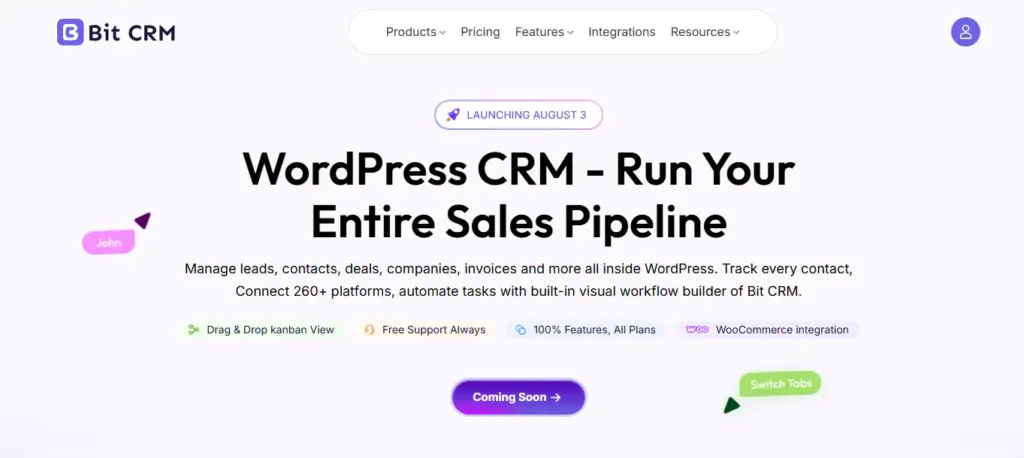
Bit CRM is designed as a complete sales workspace for WordPress businesses, not a contact database with a few CRM features added around it. It brings the full customer journey into one connected system, from the first enquiry to an active sales relationship and ongoing client management.
That unified approach reduces the need to maintain separate tools for prospect tracking, sales coordination, commercial records, follow-up, and customer access. It also gives teams a clearer operational view, making it easier to understand the current status of each relationship and move work forward without switching between disconnected dashboards.
Bit CRM is especially well suited to growing businesses that need more control than a lightweight marketing CRM but do not want the cost, complexity, or external data dependency of a large SaaS platform.
Caratteristiche
Pro
Cons
Ideale per: Sales teams that need to manage leads, companies, deals, products, follow-ups, invoices, and client access inside WordPress. It fits agencies, consultants, B2B services, and WooCommerce businesses with a structured sales process.
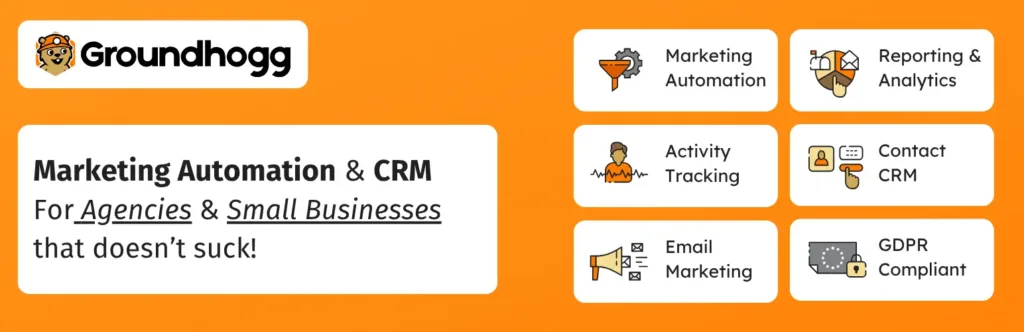
Groundhogg combines WordPress marketing automation with an optional sales pipeline system. It is built for businesses that want customer journeys, email communication, behavioral data, and salesperson follow-up to share one database. The product is especially relevant to coaches, course creators, membership sites, agencies, and online businesses that nurture contacts before a sales conversation begins.
Its architecture remains contact-centric, but the Sales Pipeline add-on gives teams a practical way to organize opportunities after a contact becomes commercially important. Groundhogg is more flexible than a basic newsletter plugin and more marketing-oriented than a traditional sales CRM. That balance is useful when sales decisions depend on form submissions, purchases, email engagement, membership changes, or other WordPress activity.
Caratteristiche
Groundhogg includes Sales Pipeline in Plus and higher plans.
Pro
Cons
Ideale per: Businesses that want email marketing, lead nurturing, and sales pipelines in one WordPress system. It suits coaches, course creators, membership sites, and agencies that rely on behavioural automation before sales follow-up.
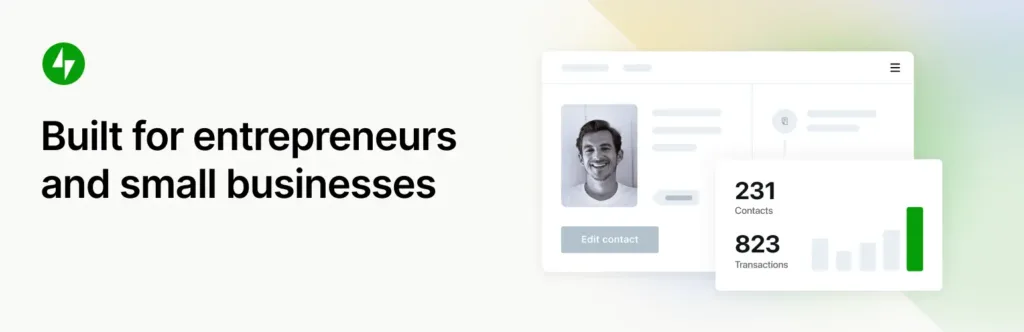
Jetpack CRM is a contact-centered WordPress CRM aimed at freelancers, consultants, and small service businesses. Instead of emphasizing complex opportunity management, it focuses on the administration that follows an enquiry: keeping customer records organized, preparing commercial documents, recording money received, scheduling work, and giving clients access to selected information.
This suits businesses with a straightforward quote-to-payment process and a small team. Its extension model lets users begin with the free core and add payments, WooCommerce synchronization, forms, campaigns, or analytics when needed. The trade-off is that customer status often carries more weight than a separate deal record, so it is less suitable for teams managing several opportunities for one company or forecasting revenue.
Caratteristiche
The product’s current feature and extension scope is documented across its core feature and pricing pages.
Pro
Cons
Ideale per: Freelancers and small service businesses with a simple quote-to-payment workflow. It works well for consultants who need customer records, invoices, transactions, and a basic client portal without complex deal management.
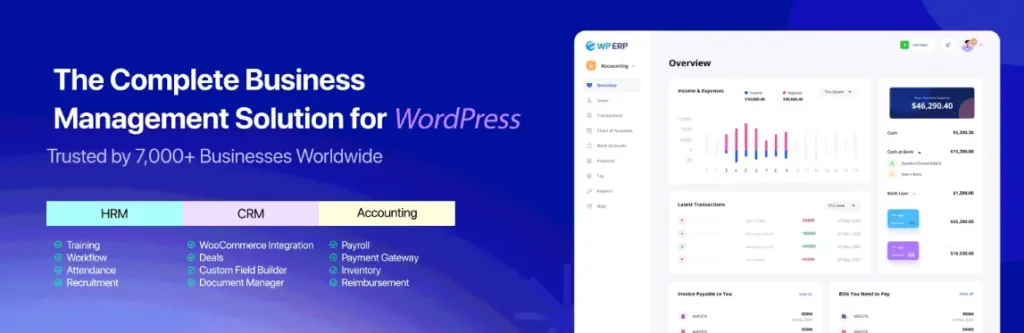
WP ERP is an all-in-one WordPress business management suite rather than a narrowly focused CRM. Its value comes from placing customer management beside employee administration and accounting, which can reduce the need for separate systems in a small company.
The CRM is suitable for organizations that want to track relationships and follow-ups while the same installation also handles leave, expenses, vendors, invoices, and other back-office work. A paid Deals extension adds a more recognizable opportunity pipeline, but the product still feels ERP-first: sales is one department within a much broader operational platform.
That breadth can be valuable for WooCommerce stores, agencies, and local companies that need several internal functions together. Teams seeking only a modern sales workspace may find the setup heavier than necessary.
Caratteristiche
Pro
Cons
Ideale per: Small companies that want CRM, employee management, and accounting within the same WordPress installation. It suits agencies, stores, and local businesses that prefer a broader business-management system over a sales-only CRM.

FluentCRM is a self-hosted email marketing and contact automation plugin for WordPress. It is best understood as a marketing CRM: the system helps publishers, stores, membership sites, course creators, and online communities organize subscribers and communicate according to interests or behavior. Because campaigns, contact history, segmentation, and automation remain inside WordPress, businesses can avoid contact-based SaaS pricing and connect journeys to plugin activity.
FluentCRM is effective for nurturing an audience, onboarding buyers, promoting content, or re-engaging customers. It is not designed to manage a conventional sales team, so opportunities, forecasts, and salesperson activities sit outside its central model. That makes it excellent for lifecycle marketing but incomplete as a stand-alone sales CRM.
Caratteristiche
Pro
Cons
Ideale per: Newsletters, subscriber management, email sequences, and automated customer journeys.
It is a strong fit for publishers, course creators, membership sites, online communities, and content-led businesses.
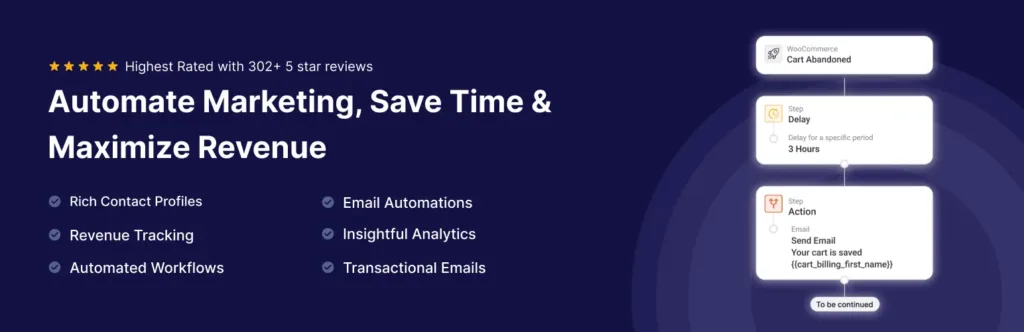
FunnelKit Automations is a WooCommerce-oriented marketing CRM built around what customers do before and after a purchase. It brings contact profiles, campaign engagement, order history, cart behavior, and automated journeys into one WordPress system, making it useful for stores seeking repeat purchases or recovered revenue.
Its strongest advantage is context: automations can respond to commerce events rather than generic tags or form submissions. It works well for abandoned-cart follow-up, post-purchase education, customer win-back, recommendations, and segmented broadcasts. FunnelKit Automations is not intended to manage long B2B sales cycles or representative-owned opportunities.
Caratteristiche
Pro
Cons
Ideale per: WooCommerce stores focused on abandoned-cart recovery, post-purchase follow-up, and customer retention. It suits e-commerce businesses that want automation based on carts, orders, products, subscriptions, and purchasing behaviour.
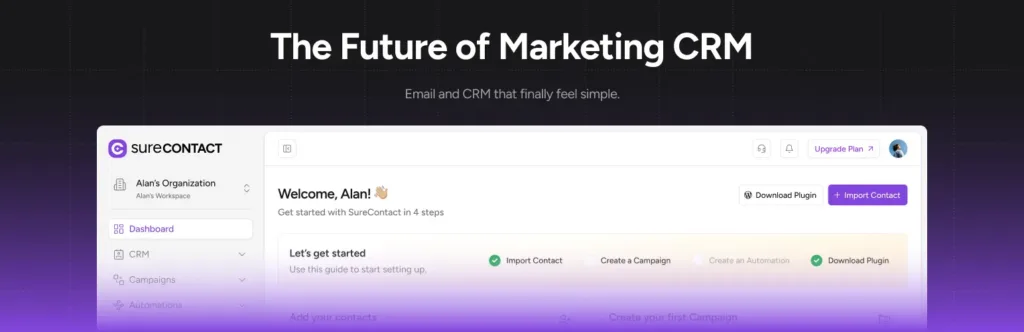
SureContact is a cloud-powered marketing CRM designed to connect with WordPress sites. The plugin synchronizes contacts and activity into a separate workspace, where campaigns, sequences, forms, and automations run without placing the full workload on the website server.
This appeals to creators, membership businesses, agencies, and stores that want WordPress-aware marketing without processing every job locally.
Its main trade-off is architectural: SureContact feels native to WordPress, but the CRM database and automation engine remain cloud services. Businesses gain managed processing but give up the fully self-hosted model offered by Bit CRM.
Caratteristiche
Pro
Cons
Ideale per: WordPress businesses that want email campaigns and automations to run through a managed cloud workspace.
It fits creators, membership sites, agencies, and stores that prefer centralized processing across one or more websites.
Focus on your actual customer journey rather than the length of the feature list.
Choosing the plugin is only the first step. The real value comes from setting it up around a clear workflow and making sure the team uses it consistently.
Start with a small rollout. Import a limited set of records, define ownership, configure permissions, connect the essential forms or store data, and test one complete customer journey. Once that process works smoothly, expand the CRM with additional automation, fields, integrations, and reporting.
A gradual implementation reduces data errors, avoids unnecessary complexity, and makes it easier for the team to adopt the system properly.
Il miglior plugin CRM per WordPress dipende dal tuo flusso di lavoro. Bit CRM è una scelta eccellente per la gestione strutturata delle vendite, mentre FluentCRM e FunnelKit Automations sono adatti al marketing via email e all'automazione di WooCommerce.
Sì. Un CRM per WordPress può gestire lead, contatti, aziende, trattative, follow-up, prodotti, fatture e attività dei clienti. Le funzionalità disponibili dipendono dalla scelta di un CRM di vendita, un CRM di marketing o un CRM per la gestione dei clienti.
Bit CRM è progettato per team di vendita che necessitano di conversione di lead, record aziendali, pipeline di vendita, attività, prodotti, fatture e accesso ai clienti all'interno di WordPress. Groundhogg è un'altra opzione quando l'automazione del marketing è altrettanto importante.
Bit CRM, Jetpack CRM e WP ERP offrono valide basi CRM gratuite. FluentCRM e FunnelKit Automations sono valide alternative gratuite per newsletter, automazioni degli iscritti e customer journey di WooCommerce.
Un CRM di vendita gestisce lead, aziende, trattative, fasi della pipeline, attività e ricavi. Un CRM di marketing si concentra su contatti, liste, campagne, sequenze email, segmentazione e percorsi cliente automatizzati.
Bit CRM fornisce controlli del portale per cliente per contatti, chiamate, riunioni, note, trattative e fatture. Jetpack CRM include anche un portale clienti incentrato su file, documenti, fatture e informazioni sull'account.
Un CRM per WordPress può sostituirli per molte piccole e medie imprese che necessitano di gestione contatti, pipeline, follow-up, automazione, fatturazione e accesso clienti. Team più grandi potrebbero ancora aver bisogno di previsioni avanzate, chiamate, gestione territori o reporting aziendale.



 IT
IT  EN
EN  DE
DE  ES
ES  NL
NL  PT
PT  JA
JA