Gestire un sito WordPress non riguarda solo la pubblicazione di pagine, articoli o prodotti.
Devi raccogliere lead, inviare dati ad altri strumenti, migliorare la SEO, proteggere il sito, creare backup, condividere post, monitorare i visitatori, gestire gli ordini e fare il follow-up con gli utenti. Fare tutto questo manualmente richiede tempo e lascia spazio a piccoli errori.
I plugin giusti aiutano il tuo sito web a gestire questi compiti ripetitivi in background, così il tuo team può concentrarsi su contenuti, vendite, supporto e crescita.
In questa guida, esaminerò i migliori strumenti per automatizzare le attività dei siti web WordPress. L'elenco è organizzato in un flusso di lavoro naturale, dall'automazione di base e moduli, all'ottimizzazione per i motori di ricerca (SEO), alla sicurezza, alle prestazioni, al marketing, all'e-commerce, alle membership, ai corsi e alle prenotazioni.
| Plugin | Area di automazione principale | Caso d'uso migliore |
|---|---|---|
| Bit Flows | Automazione del flusso di lavoro di WordPress | Flussi di lavoro avanzati, automazione AI, API, webhook e automazione dei processi aziendali |
| Classifica matematica | Automazione SEO | SEO on-page, schema, sitemap, redirect e impostazioni di ricerca |
| Juicer Link Interno | Automazione dei link interni | Costruire link interni da regole di parole chiave |
| Bit Integrations | Integrazioni di app per WordPress | Invio di dati di plugin, moduli, WooCommerce e LMS a strumenti esterni |
| TranslatePress | Automazione della traduzione | Creare siti web WordPress multilingue con traduzione visiva |
| Wordfence Security | Automazione della sicurezza | Firewall, scansione malware, sicurezza login e monitoraggio delle minacce |
| Bit Social | Automazione dei social media | Pubblicazione automatica e programmazione dei contenuti di WordPress sulle piattaforme social |
| UpdraftPlus | Automazione del backup | Backup, ripristini e migrazioni di WordPress pianificati |
| WP Rocket | Automazione delle prestazioni | Caching, precaricamento, compressione e miglioramenti della velocità |
| Bit Form | Automazione moduli | Raccolta di lead, pagamenti, richieste e dati strutturati degli utenti |
| MonsterInsights | Automazione dell'analisi | Configurazione di Google Analytics e reporting nella dashboard di WordPress |
| PushEngage | Automazione delle notifiche push | Recupero carrelli, riattivazione visitatori e notifiche browser |
| Flussi del carrello | Automazione del checkout | WooCommerce funnel, contributi all'ordine, upsell e flussi di checkout |
| Stampa membro | Automazione dell'iscrizione | Accesso a pagamento, abbonamenti, contenuti riservati e corsi online |
| Tutor LMS | Automazione LMS | Creazione di corsi, quiz, certificati e gestione degli studenti |
| Amelia | Automazione delle prenotazioni | Appuntamenti, eventi, promemoria, pagamenti e pianificazione del personale |
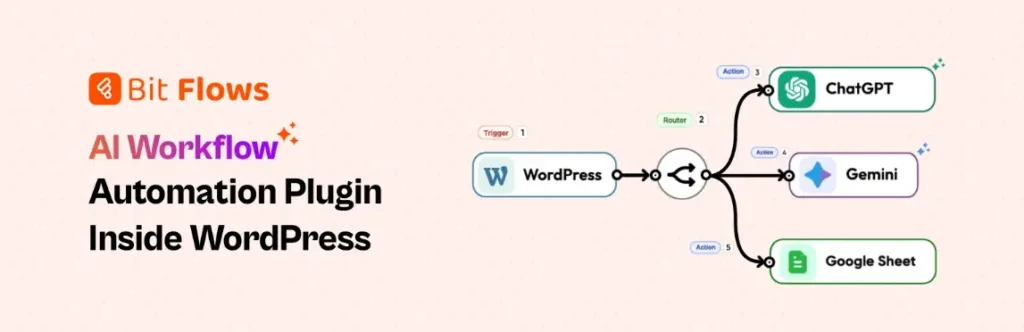
Bit Flows è lo strato di automazione principale per siti WordPress che necessitano di qualcosa di più di una semplice configurazione trigger-azione. Ti consente di connettere WordPress, plugin, app SaaS, webhook, API e strumenti di intelligenza artificiale da un unico generatore di flussi di lavoro visivo.
Per un sito in crescita, questo significa che i lead dei moduli possono passare a un CRM, gli ordini di WooCommerce possono aggiornare fogli di calcolo, le richieste di supporto possono essere instradate e l'IA può aiutare a decidere il passo successivo. Il flusso di lavoro rimane all'interno di WordPress, quindi i team ottengono un maggiore controllo sui dati e sull'esecuzione.
Il suo valore emerge quando le attività richiedono logica, ritardi, reindirizzamenti, approvazioni, tentativi ripetuti o decisioni basate sull’intelligenza artificiale. Anziché mettere insieme piccoli plugin per ogni singola attività, Bit Flows ti aiuta a creare un unico sistema di automazione WordPress integrato, in grado di crescere insieme al sito. Si adatta altrettanto bene sia alle operazioni semplici che a quelle complesse.
Ideale per agenzie, team SaaS, negozi WooCommerce e aziende WordPress in crescita. È adatto a siti che necessitano di automazione WordPress avanzata con IA, API, logica e controllo dei dati.
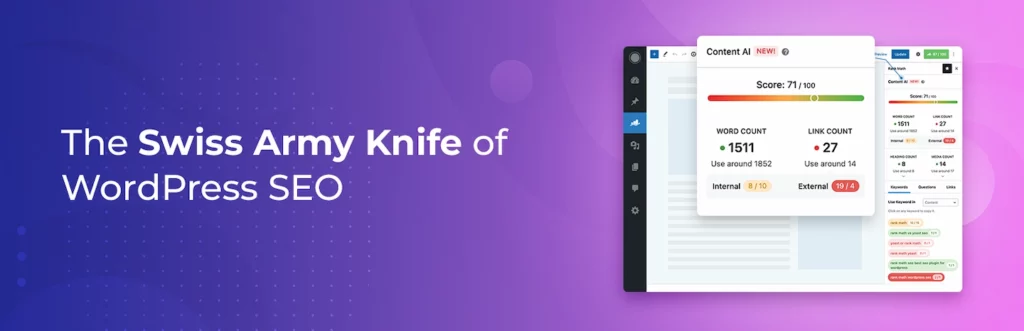
Rank Math aiuta ad automatizzare importanti controlli SEO all'interno dell'editor di WordPress. Guida scrittori e proprietari di siti attraverso titoli, meta descrizioni, parole chiave focus, schema, sitemap, impostazioni di indicizzazione, reindirizzamenti e analisi dei contenuti senza lasciare WordPress.
Per i team di contenuti, questo crea un processo di pubblicazione più coerente. Ogni post del blog, pagina di destinazione, pagina del prodotto o pagina del servizio può essere rivisto con gli stessi segnali SEO prima di andare online.
Rank Math non scrive una strategia SEO completa per te, ma rimuove molti piccoli passaggi tecnici facili da dimenticare. È utile quando desideri migliorare l'ottimizzazione SEO on-page, i dati strutturati e i controlli di visibilità della ricerca integrati nel tuo flusso di lavoro di contenuto. Aiuta a mantenere l'ottimizzazione più vicina alle decisioni di pubblicazione quotidiane e agli aggiornamenti delle pagine.
Ideale per blogger, team SEO, siti di affiliazione, negozi WooCommerce e agenzie. Aiuta a mantenere impostazioni SEO coerenti su pagine, articoli e prodotti WordPress.

Internal Link Juicer automatizza uno dei compiti SEO più trascurati: collegare contenuti correlati all'interno del tuo sito. Definisci parole chiave di destinazione per pagine o post, e il plugin può creare collegamenti interni quando quei termini compaiono altrove.
Questo è utile per siti web con molti post del blog, tutorial, landing page o guide ai prodotti. Man mano che la libreria di contenuti cresce, la ricerca manuale di vecchi post e l'aggiunta di link diventa lenta e incoerente.
Il plugin ti dà il controllo sul comportamento dei link, sul numero di link, sulla variazione dell'ancora e sui contenuti esclusi. È meglio usarlo con un giudizio editoriale, ma può ridurre il duro lavoro dietro il collegamento interno e aiutare i lettori a spostarsi più naturalmente attraverso pagine correlate. Per siti con contenuti di grandi dimensioni, tale struttura può far risparmiare ore ogni mese agli editori.
Ideale per blog, hub di contenuti SEO, siti web di affiliazione e vaste basi di conoscenza. Aiuta a migliorare il linking interno senza dover modificare manualmente ogni vecchio articolo.
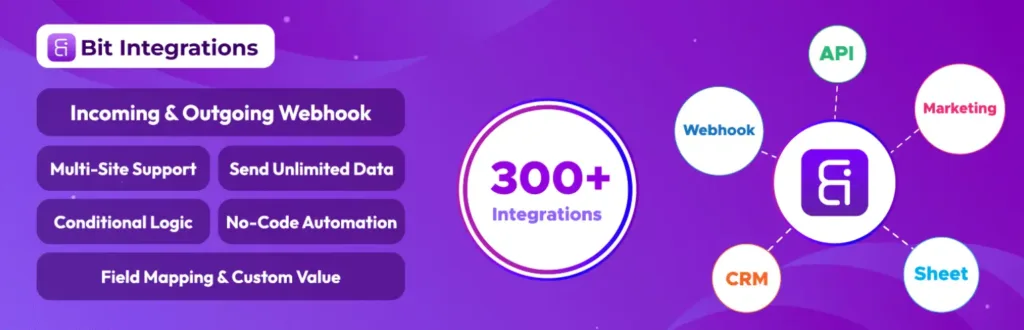
Bit Integrations è realizzato per collegamenti rapidi di plugin e app WordPress. Aiuta a inviare dati da moduli, WooCommerce, plugin LMS, page builder, azioni utente e altri eventi di WordPress a strumenti esterni senza scrivere codice.
Questo è utile quando il tuo obiettivo principale è lo spostamento dei dati. Un lead può andare su Google Sheets, un acquirente può essere aggiunto a una lista di email, un evento studentesco può essere inviato a un CRM o l'inserimento di un modulo può aggiornare un'altra piattaforma.
Non è pensato per sostituire uno strumento completo per la creazione di flussi di lavoro. I suoi punti di forza sono la velocità, la semplicità e una mappatura chiara dei campi. Per molti siti web, Bit Integrations rappresenta il modo più semplice per eliminare il lavoro manuale di copia-incolla tra WordPress e gli strumenti utilizzati quotidianamente per l’attività aziendale. È la soluzione ideale per i team che desiderano un’automazione utile senza dover prima creare un sistema complesso o assumere personale tecnico aggiuntivo.
Ideale per gli utenti WordPress che desiderano una rapida integrazione plug-in-app. Funziona bene per la sincronizzazione dei lead, gli aggiornamenti del CRM, la crescita delle liste email e l'automazione dei fogli di calcolo.

TranslatePress aiuta a trasformare un sito WordPress in un sito multilingue senza far sentire la traduzione sepolta nel backend. Puoi tradurre i contenuti visivamente dal frontend, in modo da vedere la pagina mentre lavori su ogni stringa di testo.
This is useful for businesses, blogs, stores, and service websites that serve visitors in more than one language. It can handle visible page content, theme text, plugin output, WooCommerce content, and other site elements.
TranslatePress also supports automatic translation and multilingual SEO options, which makes it practical for search-focused sites. Instead of managing separate sites for each language, you can keep translation work inside one WordPress setup. That makes multilingual publishing easier to manage long term across markets.
Best for businesses, blogs, agencies, and WooCommerce stores with multilingual audiences. It helps manage translated content without creating separate WordPress sites for each language.

Wordfence Security helps automate key parts of WordPress protection. It adds an endpoint firewall, malware scanning, login security, two-factor authentication, live traffic insight, and threat detection features to your site.
This matters because WordPress security cannot depend on occasional manual checks. A business site, store, learning platform, or membership website needs regular scanning, stronger login controls, and alerts when something looks wrong.
Wordfence is not a substitute for good hosting, safe passwords, or careful plugin updates. But it gives site owners a stronger security layer and helps teams spot suspicious behavior before it becomes a bigger problem. It is a practical guardrail for sites that handle real customer activity, admin access, payments, or private content.
Best for business websites, ecommerce stores, membership sites, and agency-managed projects. It helps automate core WordPress security checks before small risks become serious issues.
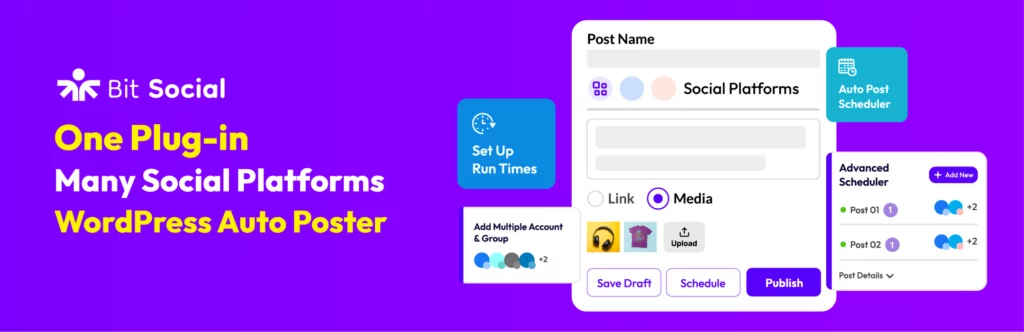
Bit Social helps WordPress publishers automate the work that usually happens after publishing a post. Instead of opening each social platform, writing separate updates, and copying links manually, you can schedule and share WordPress content from one place.
This matters for blogs, news sites, WooCommerce stores, product teams, and agencies that publish often. A post is not finished when it goes live. It also needs distribution, timing, and repeated visibility across the right channels.
Bit Social makes that process easier by connecting WordPress content with social posting. It helps keep your social accounts active, reduces missed promotion tasks, and gives teams a smoother way to manage publishing calendars. It also keeps promotion closer to the editorial workflow itself.
Best for bloggers, publishers, WooCommerce stores, and content marketing teams. It helps keep social distribution consistent without adding more manual work after publishing.

UpdraftPlus automates WordPress backups, which is one of the safest habits for any active website. It lets you schedule backups, save site files and databases, store copies remotely, restore your site, and migrate WordPress when needed.
This becomes important when your website changes often. New content, orders, members, form entries, plugin updates, theme edits, and client changes all create risk. A backup gives you a recovery point when something breaks.
UpdraftPlus is especially useful before major updates or redesign work. Instead of hoping everything goes well, you can keep a copy ready and reduce the stress of maintenance, migration, and emergency recovery. It protects the work you have already built and keeps recovery easier under pressure when time matters most.
Best for any WordPress site that cannot afford data loss or long downtime. It is essential for WooCommerce stores, client sites, active blogs, and membership platforms.
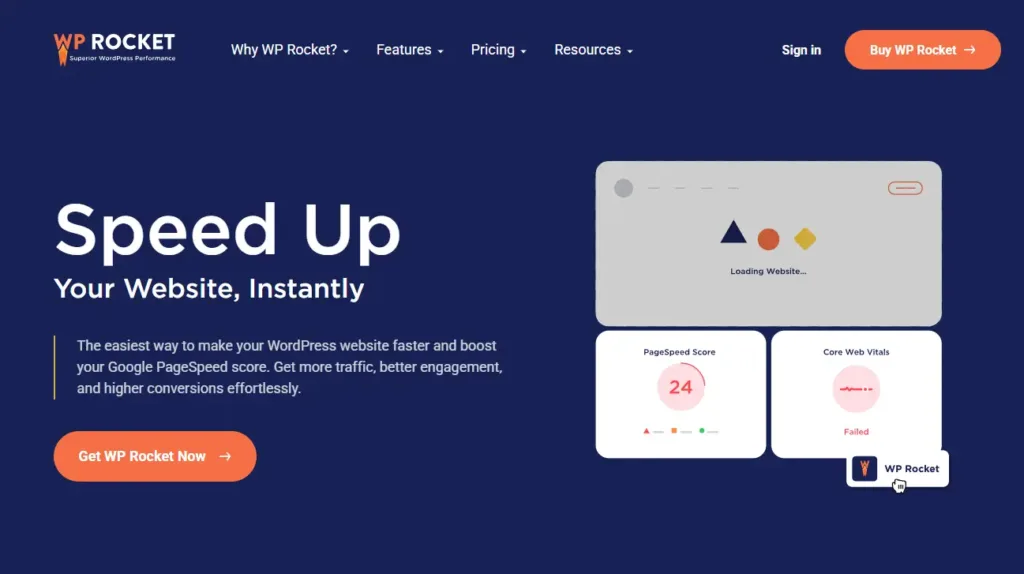
WP Rocket helps automate WordPress performance improvements that normally require several separate settings or plugins. It applies caching and speed features such as page caching, browser caching, GZIP compression, preloading, lazy rendering, and image-related optimization.
This matters because a slow website affects visitors before they even read your content. Blogs, service pages, landing pages, and WooCommerce stores all need fast loading to keep people engaged.
WP Rocket is not a magic fix for poor hosting, oversized images, or a bloated theme. But when the site foundation is decent, it gives non-technical users a practical way to improve speed, Core Web Vitals work, and daily user experience. It also reduces routine performance maintenance for busy site owners and small teams.
Best for blogs, service websites, WooCommerce stores, and landing pages that need faster loading. It helps site owners improve WordPress performance without handling every setting manually.
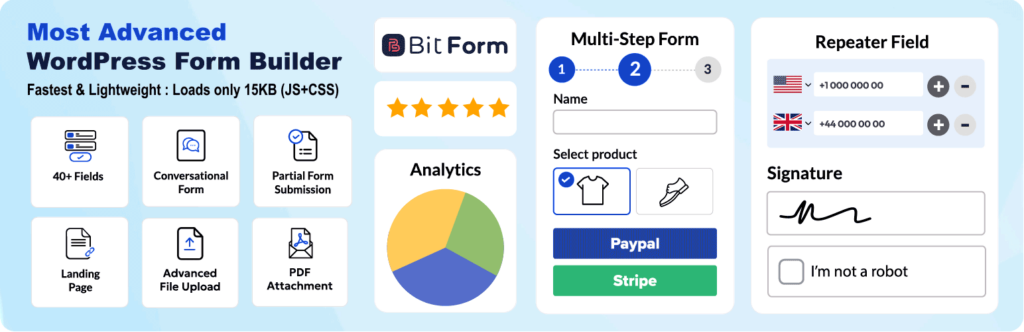
Bit Form gives your WordPress site a clean way to collect the data that starts many automation workflows. You can build contact forms, lead forms, payment forms, registration forms, calculators, multi-step forms, and custom data forms from one builder.
The plugin is useful because forms are often the first touchpoint between a visitor and your business. A submitted form can become a lead, support request, quote request, booking inquiry, donation, order, or internal task.
With conditional logic, styling control, responsive layouts, entries, spam protection, and integrations, Bit Form works well for simple forms and more advanced form automation. It keeps data structured, so the next tool can use it properly. That makes every submission easier to process, route, and measure.
Best for websites that need lead forms, inquiry forms, payment forms, or custom data collection. It is a strong starting point for form-based WordPress automation workflows.
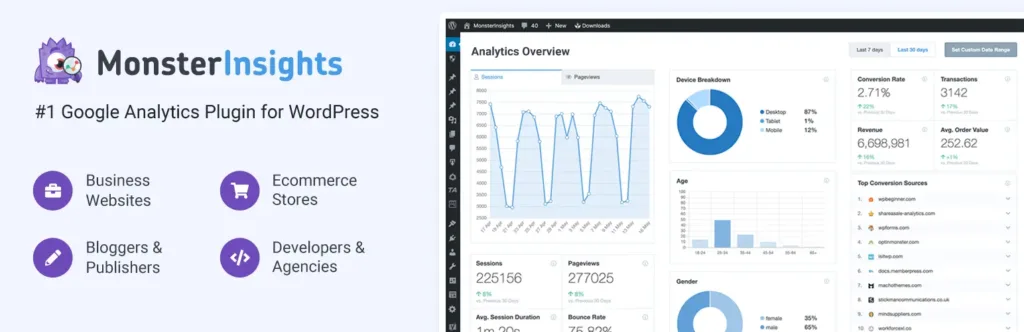
MonsterInsights helps automate Google Analytics setup and reporting for WordPress users. Instead of manually adding tracking code or checking every report inside Google Analytics, you can view key website data from your WordPress dashboard.
This helps content teams, marketers, bloggers, and store owners understand what visitors actually do. You can track popular pages, traffic sources, WooCommerce activity, form conversions, outbound links, affiliate links, and user behavior.
The plugin is useful because automation without measurement is guesswork. MonsterInsights gives you clearer signals about which pages, campaigns, products, and forms deserve more attention in your WordPress growth plan. It turns raw analytics into easier daily decisions for the whole team and future campaigns.
Best for marketers, bloggers, ecommerce teams, and agencies that need clearer reporting. It helps connect WordPress automation decisions with real visitor and conversion data.
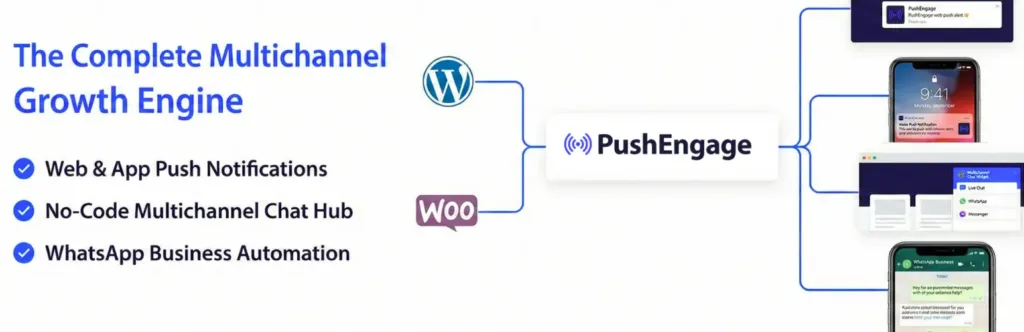
PushEngage helps automate visitor re-engagement with web push notifications. After visitors subscribe, you can send updates to their browser even when they are not currently on your website.
This is useful for blogs, publishers, WooCommerce stores, product sites, course platforms, and content-heavy businesses. Email is still important, but push notifications give you another way to bring people back quickly.
PushEngage becomes especially powerful for ecommerce automation. It can support cart abandonment reminders, browse abandonment messages, price drop alerts, back-in-stock notifications, campaigns, segmentation, and drip sequences that match visitor behavior. It helps recover attention after visitors leave without waiting for email opens, search traffic, or social reach.
Best for WooCommerce stores, publishers, blogs, and product websites that need repeat visits. It helps bring visitors back after they leave your WordPress site.
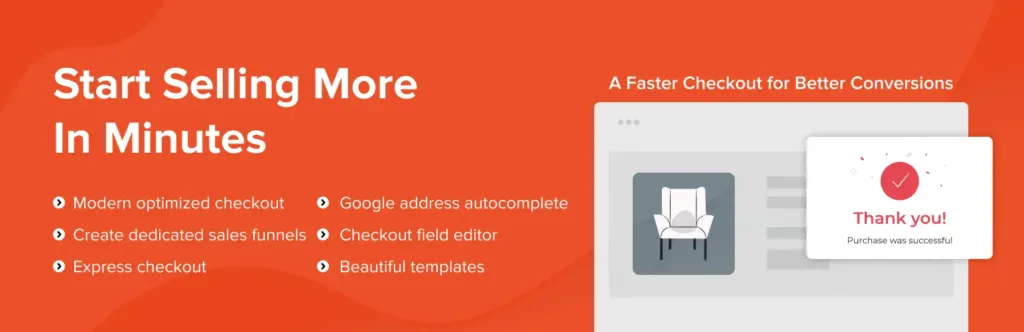
CartFlows helps WooCommerce sites automate and improve the buying journey. Instead of relying only on the default checkout page, you can build sales funnels with custom checkout steps, order bumps, upsells, downsells, thank-you pages, and cart recovery.
This is useful when you sell products, services, courses, digital downloads, or limited offers. A normal checkout collects payment, but a funnel guides the buyer through a cleaner path with fewer distractions.
CartFlows is especially helpful for stores running ads or focused campaigns. It gives sellers more control over checkout experience, offer placement, tracking, and post-purchase flow without replacing WooCommerce as the store engine. That balance keeps the store flexible and easier to improve after launch or campaign testing.
Best for WooCommerce stores that want better checkout flow and sales funnels. It is useful for digital products, courses, paid ads, and focused product campaigns.
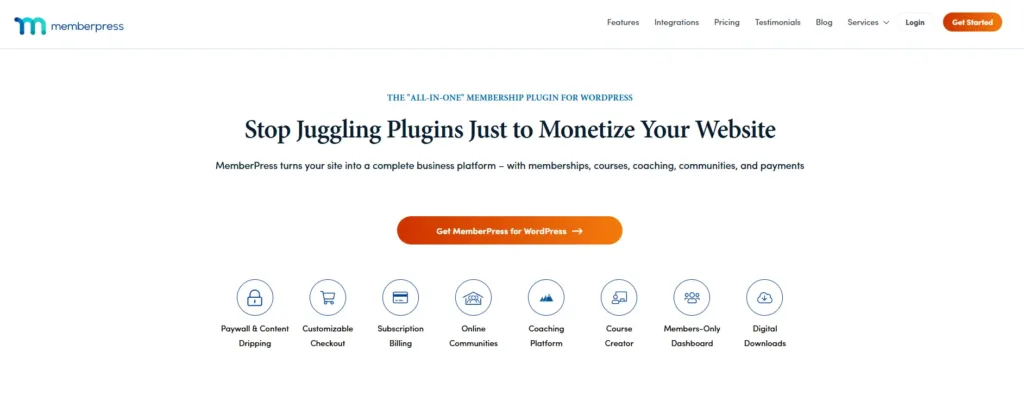
MemberPress helps automate the business side of gated content, memberships, subscriptions, communities, and online courses. You can create membership levels, protect pages, manage access rules, accept payments, and deliver content based on a user’s plan.
This is useful when your WordPress site sells private resources, premium posts, coaching material, downloads, course access, or community access. Without automation, managing who can see what becomes messy very quickly.
MemberPress gives site owners a structured way to turn content into a paid experience. It connects payment, access, account management, and content protection so members get the right access after signup or renewal. That makes recurring content businesses easier to run, support, improve, and scale well.
Best for creators, educators, communities, coaches, and subscription-based businesses. It helps automate paid access, renewals, and protected content delivery inside WordPress.

Tutor LMS helps automate online course creation and student management inside WordPress. You can build courses with lessons, quizzes, assignments, videos, certificates, student dashboards, instructor tools, and reporting features.
This is useful for teachers, course creators, coaching businesses, training teams, and education marketplaces. A course website needs more than protected videos. It needs structure, progress, assessments, communication, and learning records.
Tutor LMS gives you a dedicated learning system instead of forcing course content into normal blog pages. It helps manage the student journey from enrollment to completion while keeping the course business on WordPress. That makes it easier to scale learning content over time without losing control or clarity.
Best for course creators, training businesses, online schools, and learning marketplaces. It helps manage lessons, students, progress, and course delivery from WordPress.

Amelia helps automate appointments, events, staff schedules, customer notifications, payments, and recurring bookings. Visitors can choose a service, employee, location, date, time, and payment option through a guided booking flow.
This is useful for clinics, salons, consultants, agencies, trainers, repair services, schools, and local service businesses. Manual scheduling often leads to missed messages, double bookings, slow replies, and repeated reminder work.
Amelia gives businesses a cleaner booking system inside WordPress. It helps customers book faster, helps teams manage availability, and reduces the back-and-forth that usually happens before an appointment is confirmed. It is built for service teams that need reliable scheduling, fewer admin tasks, and cleaner calendars.
Best for clinics, consultants, salons, agencies, trainers, and service businesses. It helps reduce manual booking work and keeps schedules easier to manage.
The best WordPress automation tool depends on the task you want to remove from your daily routine.
Start with the work that happens most often. If your team manually sends form leads to a CRM, start with form and workflow automation. If every new post needs social sharing, start with social automation. If your site often breaks after updates, start with backups and security.
A good automation stack should answer five questions:
After that, add specialist plugins based on your site type. SEO sites need Rank Math and Internal Link Juicer. Multilingual sites need TranslatePress. Ecommerce stores may need CartFlows and PushEngage. Course and membership sites may need Tutor LMS or MemberPress. Service businesses may need Amelia.
Use Rank Math for SEO checks, Internal Link Juicer for internal links, Bit Social for social sharing, MonsterInsights for analytics, WP Rocket for speed, and UpdraftPlus for backups.
Add Bit Flows when you want to automate editorial tasks, AI summaries, lead routing, newsletter updates, or content approval steps.
Use CartFlows for checkout funnels, PushEngage for cart recovery, WP Rocket for speed, Wordfence for protection, MonsterInsights for ecommerce reporting, and UpdraftPlus for backups.
Add Bit Flows when you want to sync orders with CRMs, spreadsheets, support tools, email platforms, or custom APIs.
Use Amelia for appointment booking, Bit Form for inquiries, MonsterInsights for lead tracking, WP Rocket for performance, and Wordfence for security.
Add Bit Flows to route leads, send internal alerts, update CRM records, assign tasks, or trigger follow-up emails.
Use Tutor LMS for course delivery, quizzes, certificates, and student dashboards. Use MemberPress when paid access, subscriptions, and protected content are the main business model.
Add Bit Integrations or Bit Flows when you need to send student, payment, or member activity to other business tools.
Use TranslatePress to manage translations, Rank Math for SEO settings, WP Rocket for speed, and MonsterInsights to track performance by content and audience.
Add Bit Flows when you need language-based lead routing, multilingual notifications, or CRM updates.
The best WordPress automation setup is not the one with the most plugins. It is the one that removes the right manual work without making the site harder to manage.
Start by finding the tasks that slow your team down the most. It may be lead handling, content publishing, SEO checks, backups, checkout follow-ups, course management, bookings, or security monitoring. Once you know the real bottleneck, choosing the right tool becomes much easier.
A good automation stack should save time, reduce mistakes, improve response speed, and keep important data moving between the right places. It should also fit your current website, team size, budget, and technical comfort level.
Do not automate everything at once. Begin with one workflow that has a clear impact. Test it, improve it, and then move to the next repeated task. That simple approach keeps your WordPress site cleaner, faster, and easier to scale.




 IT
IT  EN
EN  DE
DE  ES
ES  NL
NL