Running a WordPress website is not only about publishing pages, posts, or products.
You need to collect leads, send data to other tools, improve SEO, protect the site, create backups, share posts, track visitors, manage orders, and follow up with users. Doing all of this manually takes time and leaves room for small mistakes.
The right plugins help your website handle these repeated tasks in the background, so your team can focus on content, sales, support, and growth.
In this guide, I will look at the best tools for automating WordPress website tasks. The list is arranged in a natural workflow, from core automation and forms to SEO, security, performance, marketing, ecommerce, membership, courses, and booking.
| Plugin | Main automation area | Best use case |
|---|---|---|
| Bit Flows | WordPress workflow automation | Advanced workflows, AI automation, APIs, webhooks, and business process automation |
| Rank Math | SEO automation | On-page SEO, schema, sitemaps, redirects, and search settings |
| Internal Link Juicer | Internal linking automation | Building internal links from keyword rules |
| Bit Integrations | WordPress app integrations | Sending plugin, form, WooCommerce, and LMS data to external tools |
| TranslatePress | Translation automation | Creating multilingual WordPress websites with visual translation |
| Wordfence Security | Security automation | Firewall, malware scanning, login security, and threat monitoring |
| Bit Social | Social media automation | Auto-posting and scheduling WordPress content on social platforms |
| UpdraftPlus | Backup automation | Scheduled backups, restores, and WordPress migration |
| WP Rocket | Performance automation | Caching, preloading, compression, and speed improvements |
| Bit Form | Form automation | Collecting leads, payments, inquiries, and structured user data |
| MonsterInsights | Analytics automation | Google Analytics setup and WordPress dashboard reporting |
| PushEngage | Push notification automation | Cart recovery, visitor re-engagement, and browser notifications |
| CartFlows | Checkout automation | WooCommerce funnels, order bumps, upsells, and checkout flows |
| MemberPress | Membership automation | Paid access, subscriptions, gated content, and online courses |
| Tutor LMS | LMS automation | Course creation, quizzes, certificates, and student management |
| Amelia | Booking automation | Appointments, events, reminders, payments, and staff scheduling |
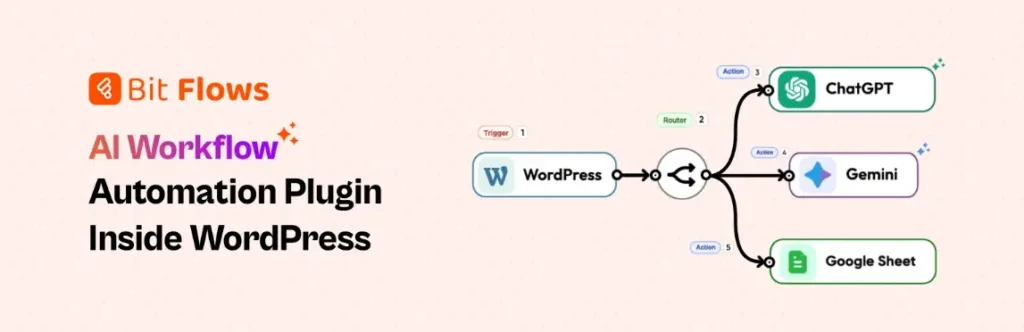
Bit Flows is the main automation layer for WordPress sites that need more than a simple trigger-and-action setup. It lets you connect WordPress, plugins, SaaS apps, webhooks, APIs, and AI tools from one visual workflow builder.
For a growing site, this means form leads can move to a CRM, WooCommerce orders can update spreadsheets, support requests can be routed, and AI can help decide the next step. The workflow stays inside WordPress, so teams get more control over data and execution.
Its value appears when tasks need logic, delays, routers, approvals, retries, or AI decisions. Instead of patching together small plugins for every job, Bit Flows helps you build one connected WordPress automation system that can grow with the site. It suits simple and complex operations equally well.
Best for agencies, SaaS teams, WooCommerce stores, and growing WordPress businesses. It fits sites that need advanced WordPress automation with AI, APIs, logic, and data control.
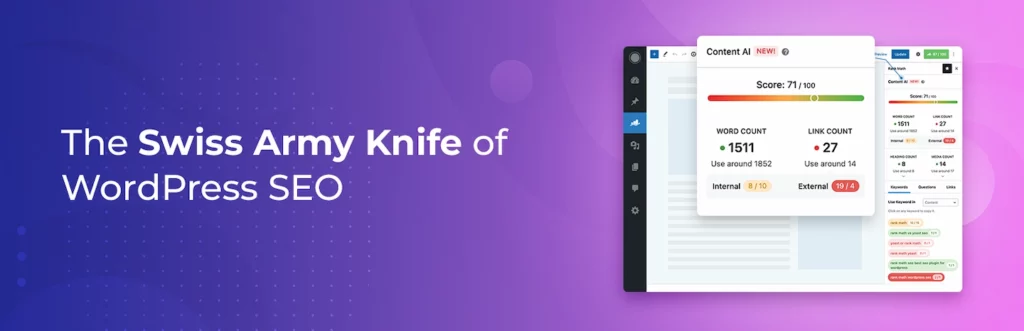
Rank Math helps automate important SEO checks inside the WordPress editor. It guides writers and site owners through titles, meta descriptions, focus keywords, schema, sitemaps, index settings, redirects, and content analysis without leaving WordPress.
For content teams, this creates a more consistent publishing process. Every blog post, landing page, product page, or service page can be reviewed with the same SEO signals before it goes live.
Rank Math does not write a complete SEO strategy for you, but it removes many small technical steps that are easy to forget. It is useful when you want better on-page SEO, structured data, and search visibility controls built into your content workflow. It helps keep optimization closer to daily publishing decisions and page updates.
Best for bloggers, SEO teams, affiliate sites, WooCommerce stores, and agencies. It helps maintain consistent WordPress SEO settings across pages, posts, and products.
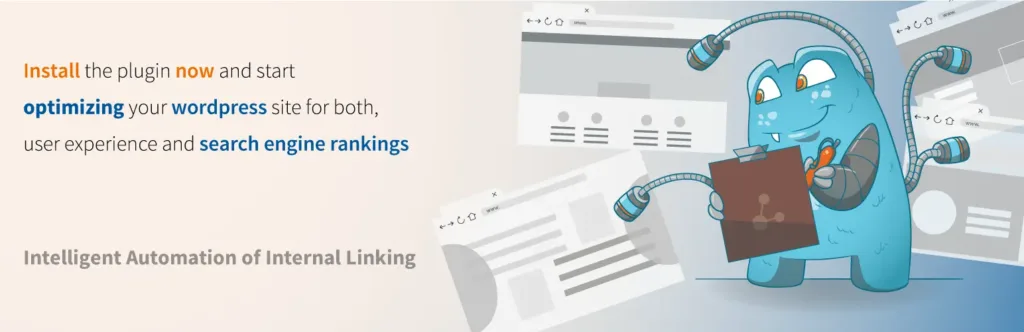
Internal Link Juicer helps automate one of the most overlooked SEO tasks: connecting related content across your site. You define target keywords for pages or posts, and the plugin can create internal links when those terms appear elsewhere.
This is helpful for websites with many blog posts, tutorials, landing pages, or product guides. As the content library grows, manually finding old posts and adding links becomes slow and inconsistent.
The plugin gives you control over link behavior, link counts, anchor variation, and excluded content. It is best used with editorial judgment, but it can reduce the heavy lifting behind internal linking and help readers move through related pages more naturally. For large content sites, that structure can save hours each month for editors.
Best for blogs, SEO content hubs, affiliate websites, and large knowledge bases. It helps improve internal linking without manually editing every old article.
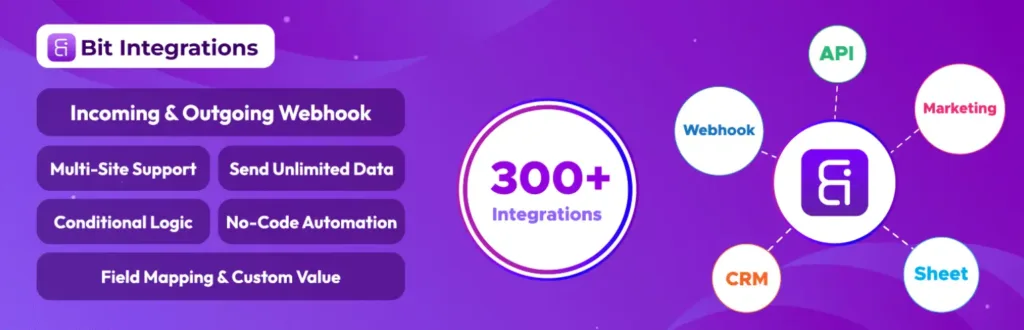
Bit Integrations is built for quick WordPress plugin and app connections. It helps send data from forms, WooCommerce, LMS plugins, page builders, user actions, and other WordPress events to external tools without writing code.
This is useful when your main goal is data movement. A lead can go to Google Sheets, a buyer can be added to an email list, a student event can be sent to a CRM, or a form entry can update another platform.
It is not meant to replace a full workflow builder. Its strength is speed, simplicity, and clean field mapping. For many websites, Bit Integrations is the easiest way to remove manual copy-paste work between WordPress and daily business tools. It fits teams that want useful automation without building a complex system first or hiring extra technical help.
Best for WordPress users who want fast plugin-to-app integration. It works well for lead sync, CRM updates, email list growth, and spreadsheet automation.

TranslatePress helps turn a WordPress site into a multilingual website without making translation feel buried in the backend. You can translate content visually from the front end, so you see the page while working on each text string.
This is useful for businesses, blogs, stores, and service websites that serve visitors in more than one language. It can handle visible page content, theme text, plugin output, WooCommerce content, and other site elements.
TranslatePress also supports automatic translation and multilingual SEO options, which makes it practical for search-focused sites. Instead of managing separate sites for each language, you can keep translation work inside one WordPress setup. That makes multilingual publishing easier to manage long term across markets.
Best for businesses, blogs, agencies, and WooCommerce stores with multilingual audiences. It helps manage translated content without creating separate WordPress sites for each language.

Wordfence Security helps automate key parts of WordPress protection. It adds an endpoint firewall, malware scanning, login security, two-factor authentication, live traffic insight, and threat detection features to your site.
This matters because WordPress security cannot depend on occasional manual checks. A business site, store, learning platform, or membership website needs regular scanning, stronger login controls, and alerts when something looks wrong.
Wordfence is not a substitute for good hosting, safe passwords, or careful plugin updates. But it gives site owners a stronger security layer and helps teams spot suspicious behavior before it becomes a bigger problem. It is a practical guardrail for sites that handle real customer activity, admin access, payments, or private content.
Best for business websites, ecommerce stores, membership sites, and agency-managed projects. It helps automate core WordPress security checks before small risks become serious issues.
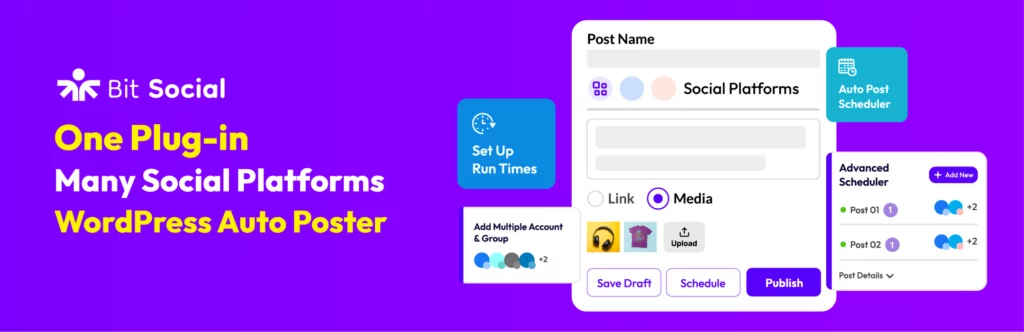
Bit Social helps WordPress publishers automate the work that usually happens after publishing a post. Instead of opening each social platform, writing separate updates, and copying links manually, you can schedule and share WordPress content from one place.
This matters for blogs, news sites, WooCommerce stores, product teams, and agencies that publish often. A post is not finished when it goes live. It also needs distribution, timing, and repeated visibility across the right channels.
Bit Social makes that process easier by connecting WordPress content with social posting. It helps keep your social accounts active, reduces missed promotion tasks, and gives teams a smoother way to manage publishing calendars. It also keeps promotion closer to the editorial workflow itself.
Best for bloggers, publishers, WooCommerce stores, and content marketing teams. It helps keep social distribution consistent without adding more manual work after publishing.

UpdraftPlus automates WordPress backups, which is one of the safest habits for any active website. It lets you schedule backups, save site files and databases, store copies remotely, restore your site, and migrate WordPress when needed.
This becomes important when your website changes often. New content, orders, members, form entries, plugin updates, theme edits, and client changes all create risk. A backup gives you a recovery point when something breaks.
UpdraftPlus is especially useful before major updates or redesign work. Instead of hoping everything goes well, you can keep a copy ready and reduce the stress of maintenance, migration, and emergency recovery. It protects the work you have already built and keeps recovery easier under pressure when time matters most.
Best for any WordPress site that cannot afford data loss or long downtime. It is essential for WooCommerce stores, client sites, active blogs, and membership platforms.
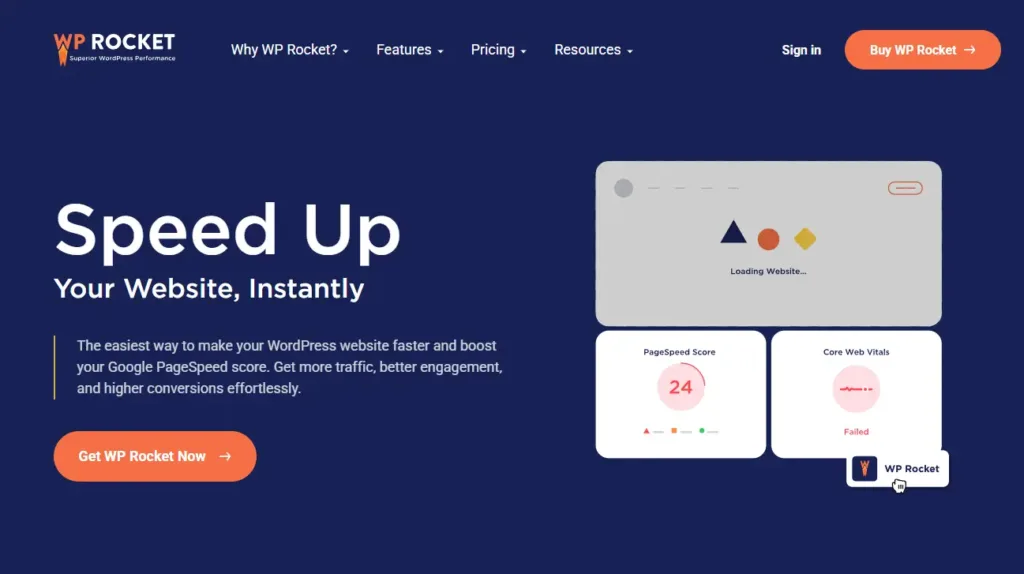
WP Rocket helps automate WordPress performance improvements that normally require several separate settings or plugins. It applies caching and speed features such as page caching, browser caching, GZIP compression, preloading, lazy rendering, and image-related optimization.
This matters because a slow website affects visitors before they even read your content. Blogs, service pages, landing pages, and WooCommerce stores all need fast loading to keep people engaged.
WP Rocket is not a magic fix for poor hosting, oversized images, or a bloated theme. But when the site foundation is decent, it gives non-technical users a practical way to improve speed, Core Web Vitals work, and daily user experience. It also reduces routine performance maintenance for busy site owners and small teams.
Best for blogs, service websites, WooCommerce stores, and landing pages that need faster loading. It helps site owners improve WordPress performance without handling every setting manually.
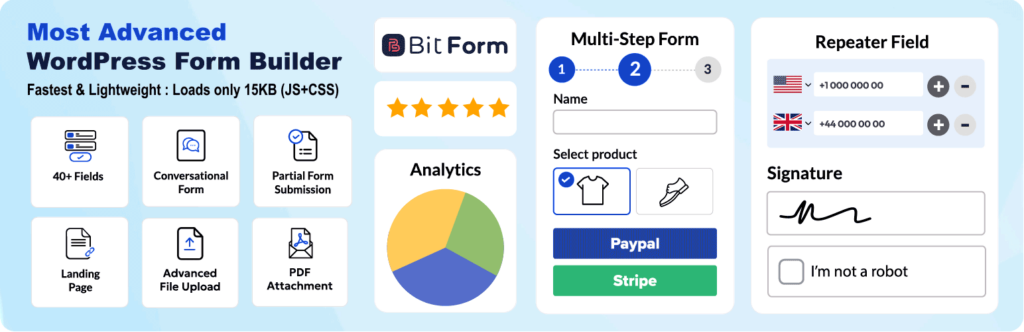
Bit Form gives your WordPress site a clean way to collect the data that starts many automation workflows. You can build contact forms, lead forms, payment forms, registration forms, calculators, multi-step forms, and custom data forms from one builder.
The plugin is useful because forms are often the first touchpoint between a visitor and your business. A submitted form can become a lead, support request, quote request, booking inquiry, donation, order, or internal task.
With conditional logic, styling control, responsive layouts, entries, spam protection, and integrations, Bit Form works well for simple forms and more advanced form automation. It keeps data structured, so the next tool can use it properly. That makes every submission easier to process, route, and measure.
Best for websites that need lead forms, inquiry forms, payment forms, or custom data collection. It is a strong starting point for form-based WordPress automation workflows.
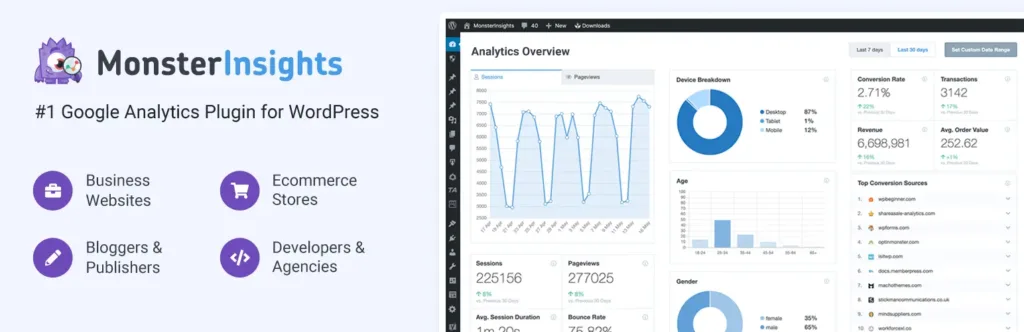
MonsterInsights helps automate Google Analytics setup and reporting for WordPress users. Instead of manually adding tracking code or checking every report inside Google Analytics, you can view key website data from your WordPress dashboard.
This helps content teams, marketers, bloggers, and store owners understand what visitors actually do. You can track popular pages, traffic sources, WooCommerce activity, form conversions, outbound links, affiliate links, and user behavior.
The plugin is useful because automation without measurement is guesswork. MonsterInsights gives you clearer signals about which pages, campaigns, products, and forms deserve more attention in your WordPress growth plan. It turns raw analytics into easier daily decisions for the whole team and future campaigns.
Best for marketers, bloggers, ecommerce teams, and agencies that need clearer reporting. It helps connect WordPress automation decisions with real visitor and conversion data.
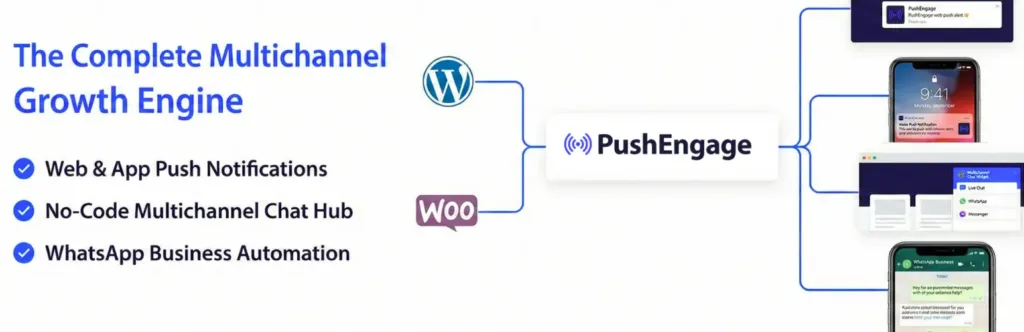
PushEngage helps automate visitor re-engagement with web push notifications. After visitors subscribe, you can send updates to their browser even when they are not currently on your website.
This is useful for blogs, publishers, WooCommerce stores, product sites, course platforms, and content-heavy businesses. Email is still important, but push notifications give you another way to bring people back quickly.
PushEngage becomes especially powerful for ecommerce automation. It can support cart abandonment reminders, browse abandonment messages, price drop alerts, back-in-stock notifications, campaigns, segmentation, and drip sequences that match visitor behavior. It helps recover attention after visitors leave without waiting for email opens, search traffic, or social reach.
Best for WooCommerce stores, publishers, blogs, and product websites that need repeat visits. It helps bring visitors back after they leave your WordPress site.
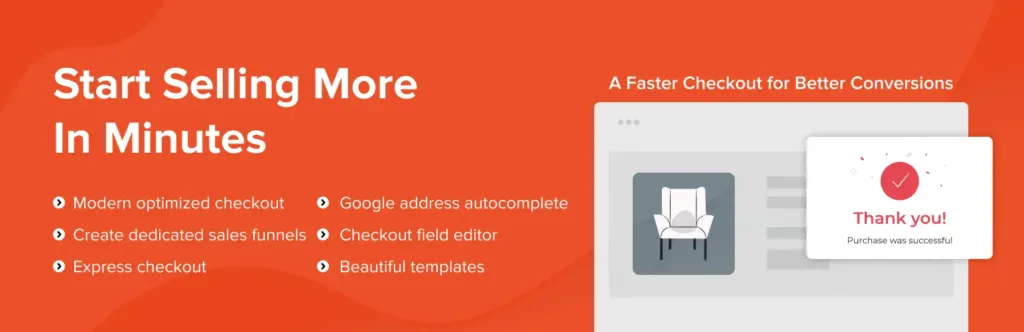
CartFlows helps WooCommerce sites automate and improve the buying journey. Instead of relying only on the default checkout page, you can build sales funnels with custom checkout steps, order bumps, upsells, downsells, thank-you pages, and cart recovery.
This is useful when you sell products, services, courses, digital downloads, or limited offers. A normal checkout collects payment, but a funnel guides the buyer through a cleaner path with fewer distractions.
CartFlows is especially helpful for stores running ads or focused campaigns. It gives sellers more control over checkout experience, offer placement, tracking, and post-purchase flow without replacing WooCommerce as the store engine. That balance keeps the store flexible and easier to improve after launch or campaign testing.
Best for WooCommerce stores that want better checkout flow and sales funnels. It is useful for digital products, courses, paid ads, and focused product campaigns.
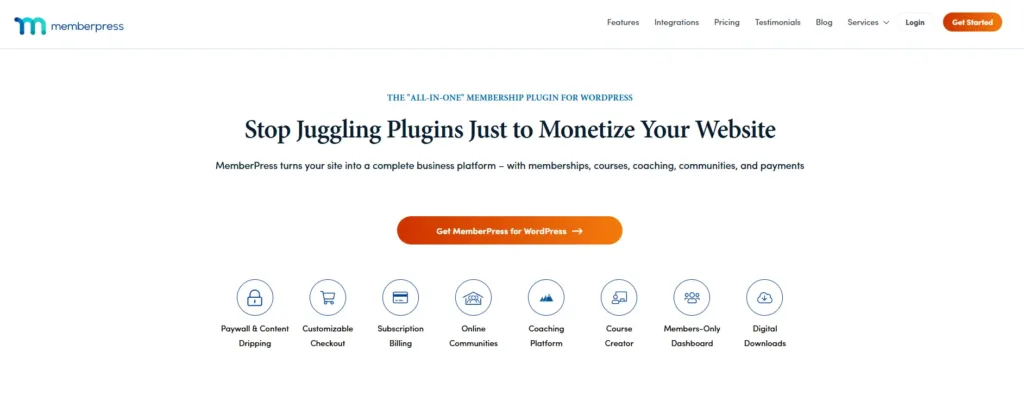
MemberPress helps automate the business side of gated content, memberships, subscriptions, communities, and online courses. You can create membership levels, protect pages, manage access rules, accept payments, and deliver content based on a user’s plan.
This is useful when your WordPress site sells private resources, premium posts, coaching material, downloads, course access, or community access. Without automation, managing who can see what becomes messy very quickly.
MemberPress gives site owners a structured way to turn content into a paid experience. It connects payment, access, account management, and content protection so members get the right access after signup or renewal. That makes recurring content businesses easier to run, support, improve, and scale well.
Best for creators, educators, communities, coaches, and subscription-based businesses. It helps automate paid access, renewals, and protected content delivery inside WordPress.
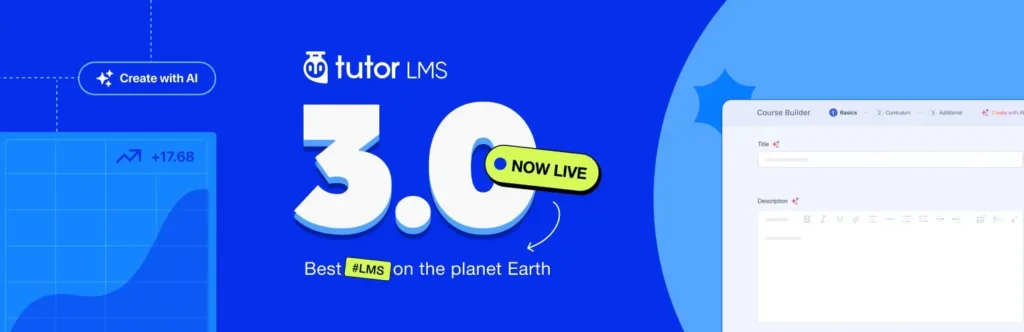
Tutor LMS helps automate online course creation and student management inside WordPress. You can build courses with lessons, quizzes, assignments, videos, certificates, student dashboards, instructor tools, and reporting features.
This is useful for teachers, course creators, coaching businesses, training teams, and education marketplaces. A course website needs more than protected videos. It needs structure, progress, assessments, communication, and learning records.
Tutor LMS gives you a dedicated learning system instead of forcing course content into normal blog pages. It helps manage the student journey from enrollment to completion while keeping the course business on WordPress. That makes it easier to scale learning content over time without losing control or clarity.
Best for course creators, training businesses, online schools, and learning marketplaces. It helps manage lessons, students, progress, and course delivery from WordPress.

Amelia helps automate appointments, events, staff schedules, customer notifications, payments, and recurring bookings. Visitors can choose a service, employee, location, date, time, and payment option through a guided booking flow.
This is useful for clinics, salons, consultants, agencies, trainers, repair services, schools, and local service businesses. Manual scheduling often leads to missed messages, double bookings, slow replies, and repeated reminder work.
Amelia gives businesses a cleaner booking system inside WordPress. It helps customers book faster, helps teams manage availability, and reduces the back-and-forth that usually happens before an appointment is confirmed. It is built for service teams that need reliable scheduling, fewer admin tasks, and cleaner calendars.
Best for clinics, consultants, salons, agencies, trainers, and service businesses. It helps reduce manual booking work and keeps schedules easier to manage.
The best WordPress automation tool depends on the task you want to remove from your daily routine.
Start with the work that happens most often. If your team manually sends form leads to a CRM, start with form and workflow automation. If every new post needs social sharing, start with social automation. If your site often breaks after updates, start with backups and security.
A good automation stack should answer five questions:
After that, add specialist plugins based on your site type. SEO sites need Rank Math and Internal Link Juicer. Multilingual sites need TranslatePress. Ecommerce stores may need CartFlows and PushEngage. Course and membership sites may need Tutor LMS or MemberPress. Service businesses may need Amelia.
Use Rank Math for SEO checks, Internal Link Juicer for internal links, Bit Social for social sharing, MonsterInsights for analytics, WP Rocket for speed, and UpdraftPlus for backups.
Add Bit Flows when you want to automate editorial tasks, AI summaries, lead routing, newsletter updates, or content approval steps.
Use CartFlows for checkout funnels, PushEngage for cart recovery, WP Rocket for speed, Wordfence for protection, MonsterInsights for ecommerce reporting, and UpdraftPlus for backups.
Add Bit Flows when you want to sync orders with CRMs, spreadsheets, support tools, email platforms, or custom APIs.
Use Amelia for appointment booking, Bit Form for inquiries, MonsterInsights for lead tracking, WP Rocket for performance, and Wordfence for security.
Add Bit Flows to route leads, send internal alerts, update CRM records, assign tasks, or trigger follow-up emails.
Use Tutor LMS for course delivery, quizzes, certificates, and student dashboards. Use MemberPress when paid access, subscriptions, and protected content are the main business model.
Add Bit Integrations or Bit Flows when you need to send student, payment, or member activity to other business tools.
Use TranslatePress to manage translations, Rank Math for SEO settings, WP Rocket for speed, and MonsterInsights to track performance by content and audience.
Add Bit Flows when you need language-based lead routing, multilingual notifications, or CRM updates.
The best WordPress automation setup is not the one with the most plugins. It is the one that removes the right manual work without making the site harder to manage.
Start by finding the tasks that slow your team down the most. It may be lead handling, content publishing, SEO checks, backups, checkout follow-ups, course management, bookings, or security monitoring. Once you know the real bottleneck, choosing the right tool becomes much easier.
A good automation stack should save time, reduce mistakes, improve response speed, and keep important data moving between the right places. It should also fit your current website, team size, budget, and technical comfort level.
Do not automate everything at once. Begin with one workflow that has a clear impact. Test it, improve it, and then move to the next repeated task. That simple approach keeps your WordPress site cleaner, faster, and easier to scale.




 EN
EN  DE
DE  ES
ES  NL
NL  IT
IT