WordPressサイトの運営は、ページ、投稿、または製品を公開するだけではありません。.
リードの収集、他のツールへのデータ送信、SEOの改善、サイトの保護、バックアップの作成、投稿の共有、訪問者の追跡、注文の管理、ユーザーへのフォローアップが必要です。これらすべてを手作業で行うと時間がかかり、些細なミスも起こりがちです。.
適切なプラグインは、これらの繰り返しタスクをバックグラウンドで処理するのに役立ち、チームはコンテンツ、販売、サポート、成長に集中できるようになります。.
このガイドでは、WordPressウェブサイトのタスクを自動化するための最適なツールを見ていきます。リストは、コアとなる自動化とフォームから、SEO、セキュリティ、パフォーマンス、マーケティング、EC、メンバーシップ、コース、予約へと、自然なワークフローで配置されています。.
| プラグイン | 主な自動化エリア | 最高のユースケース |
|---|---|---|
| Bit Flows | WordPress ワークフロー自動化 | 高度なワークフロー、AI自動化、API、Webhook、およびビジネスプロセス自動化 |
| Rank Math | SEO自動化 | オンページSEO、スキーマ、サイトマップ、リダイレクト、検索設定 |
| インターナルリンクジューサー | 内部リンクの自動化 | キーワードルールからの内部リンク構築 |
| Bit Integrations | WordPressアプリ連携 | プラグイン、フォーム、WooCommerce、LMSのデータを外部ツールに送信する |
| TranslatePress | 翻訳自動化 | ビジュアル翻訳で多言語WordPressサイトを作成する |
| Wordfence Security | セキュリティ自動化 | ファイアウォール、マルウェアスキャン、ログインセキュリティ、脅威監視 |
| Bit Social | ソーシャルメディア自動化 | WordPressコンテンツのソーシャルプラットフォームへの自動投稿とスケジュール設定 |
| UpdraftPlus | バックアップ自動化 | バックアップ、復元、WordPressの移行をスケジュールする |
| WP Rocket | パフォーマンス自動化 | キャッシュ、プリロード、圧縮、および速度の向上 |
| Bit Form | フォーム自動化 | リード、支払い、問い合わせ、構造化されたユーザーデータの収集 |
| モンスターインサイト | 分析の自動化 | Google Analyticsの設定とWordPressダッシュボードのレポート |
| プッシュエンゲージ | プッシュ通知の自動化 | カート回収、訪問者再エンゲージメント、ブラウザ通知 |
| カートフロウズ | チェックアウト自動化 | WooCommerceのファネル、注文時の追加購入(オーダーバンプ)、アップセル、チェックアウトフロー |
| メンバープレス | 会員自動化 | 有料アクセス、サブスクリプション、ゲートコンテンツ、オンラインコース |
| チューター LMS | LMS自動化 | コース作成、クイズ、証明書、および学生管理 |
| アメリア | 予約自動化 | 予約、イベント、リマインダー、支払い、スタッフのスケジュール |
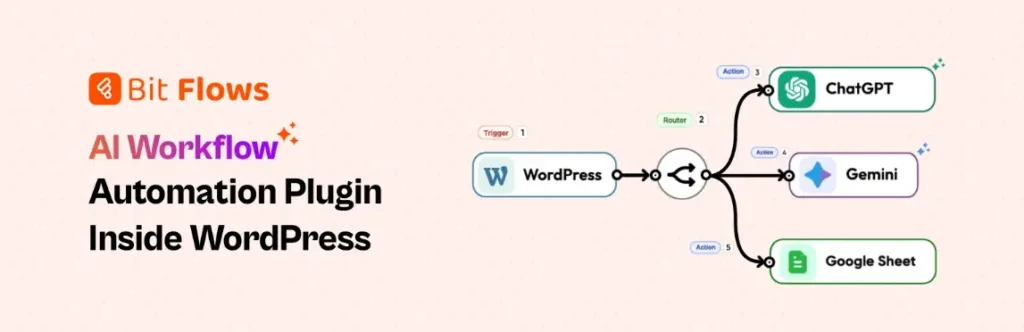
Bit Flows WordPressサイトのメインの自動化レイヤーであり、単純なトリガーとアクションのセットアップ以上のものが必要な場合に最適です。ビジュアルワークフロービルダーから、WordPress、プラグイン、SaaSアプリケーション、Webhook、API、AIツールなどを接続できます。.
成長中のサイトにとって、これはフォームからのリードをCRMに移行させたり、WooCommerceの注文をスプレッドシートに反映させたり、サポートリクエストをルーティングしたり、AIが次のステップを決定するのに役立てたりできることを意味します。ワークフローはWordPress内に留まるため、チームはデータと実行に対してより多くの制御を得ることができます。.
その真価は、タスクにロジック、遅延、ルーティング、承認、再試行、あるいはAIによる判断が必要な場合に発揮されます。Bit Flowsを使えば、タスクごとに小さなプラグインを寄せ集めるのではなく、サイトの発展に合わせて拡張可能な、統合されたWordPress自動化システムを構築できます。シンプルな操作から複雑な操作まで、あらゆる場面で同様に活用できます。.
エージェンシー、SaaSチーム、WooCommerceストア、および成長中のWordPressビジネスに最適です。AI、API、ロジック、データ制御による高度なWordPress自動化を必要とするサイトに適しています。.
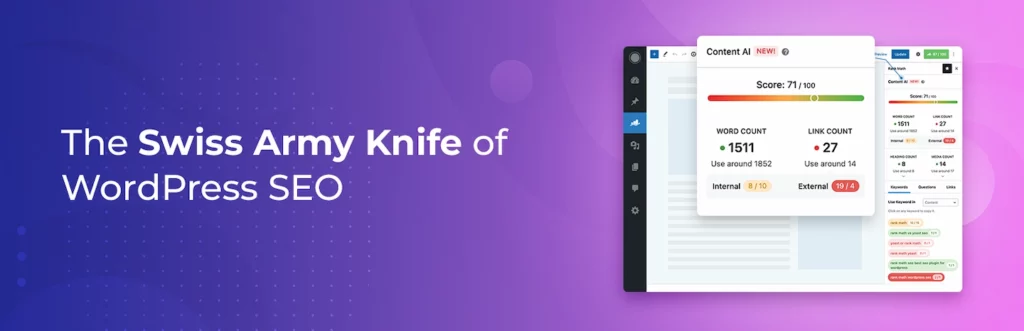
Rank Mathは、WordPressエディタ内で重要なSEOチェックを自動化するのに役立ちます。WordPressから離れることなく、タイトル、メタディスクリプション、フォーカスキーワード、スキーマ、サイトマップ、インデックス設定、リダイレクト、コンテンツ分析などをライターやサイトオーナーにガイドします。.
コンテンツチームにとって、これにより、より一貫性のある公開プロセスが作成されます。ブログ記事、ランディングページ、商品ページ、サービスページなど、あらゆるコンテンツが公開前に同じSEOシグナルでレビューできます。.
Rank Mathは、完全なSEO戦略を自動で作成してくれるわけではありませんが、忘れがちな数多くの細かい技術的なステップを削減してくれます。ページ内SEO、構造化データ、検索での可視性コントロールなどをコンテンツ作成ワークフローに統合して、より良くしたい場合に役立ちます。日常的な公開やページ更新の決定に、より近い場所で最適化を維持するのに役立ちます。.
ブロガー、SEOチーム、アフィリエイトサイト、WooCommerceストア、エージェンシーに最適です。ページ、投稿、製品全体で一貫したWordPress SEO設定を維持するのに役立ちます。.
Internal Link Juicerは、最も見過ごされがちなSEOタスクの1つを自動化します。それは、サイト全体で関連コンテンツをリンクさせることです。ページや投稿のターゲットキーワードを定義すると、プラグインはその用語が他の場所に出現したときに内部リンクを作成できます。.
ブログ記事、チュートリアル、ランディングページ、商品ガイドなどが多いウェブサイトに役立ちます。コンテンツライブラリが大きくなるにつれて、古い記事を手動で見つけてリンクを追加するのは手間がかかり、一貫性がなくなります。.
このプラグインを使用すると、リンクの動作、リンク数、アンカーのバリエーション、除外コンテンツを制御できます。編集上の判断とともに使用するのが最善ですが、内部リンクの重労働を軽減し、読者が関連ページをより自然に移動するのに役立ちます。大規模なコンテンツサイトでは、その構造により、エディターの時間を毎月数時間節約できます。.
ブログ、SEOコンテンツハブ、アフィリエイトサイト、大規模ナレッジベースに最適です。手動で古い記事をすべて編集することなく、内部リンクを改善するのに役立ちます。.
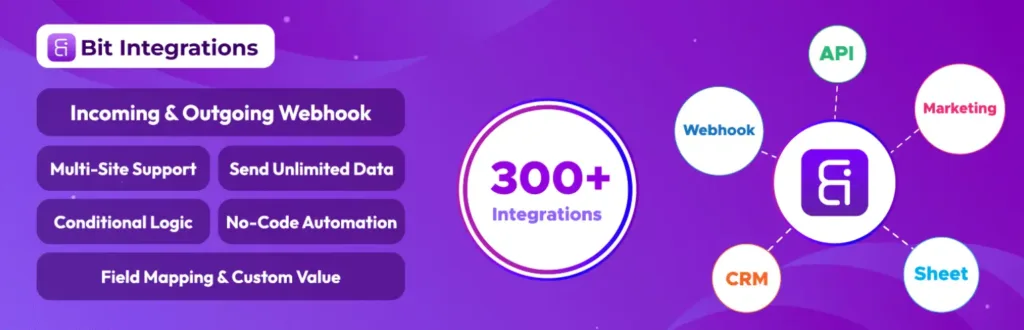
Bit Integrations WordPressプラグインとアプリの連携を迅速に行うために構築されています。コードを書かずに、フォーム、WooCommerce、LMSプラグイン、ページビルダー、ユーザーアクション、その他のWordPressイベントからのデータを外部ツールに送信するのに役立ちます。.
これは、データ移動が主な目的である場合に役立ちます。リードをGoogleスプレッドシートに送信したり、購入者をメールリストに追加したり、学生イベントをCRMに送信したり、フォーム入力を別のプラットフォームに更新したりできます。.
これは、本格的なワークフロービルダーに代わるものではありません。その強みは、スピード、シンプルさ、そしてすっきりとしたフィールドマッピングにあります。多くのウェブサイトにとって、Bit Integrationsは、WordPressと日常業務ツール間の手作業によるコピー&ペースト作業をなくす最も簡単な方法です。複雑なシステムを最初に構築したり、追加の技術スタッフを雇ったりすることなく、実用的な自動化を実現したいチームに適しています。.
WordPressユーザーにとって、プラグインからアプリへの高速連携に最適です。リードの同期、CRMの更新、メールリストの拡充、スプレッドシートの自動化に効果的です。.

TranslatePressは、WordPressサイトを多言語ウェブサイトに変換するのに役立ちます。翻訳がバックエンドに埋もれているように感じることもありません。フロントエンドからビジュアルにコンテンツを翻訳できるため、各テキスト文字列を編集しながらページを見ることができます。.
これは、複数の言語で訪問者に対応しているビジネス、ブログ、ストア、サービスウェブサイトに役立ちます。可視ページコンテンツ、テーマテキスト、プラグイン出力、WooCommerceコンテンツ、その他のサイト要素を処理できます。.
TranslatePressは、自動翻訳と多言語SEOオプションもサポートしており、検索中心のサイトに実用的です。言語ごとに別々のサイトを管理する代わりに、1つのWordPressセットアップ内で翻訳作業を維持できます。これにより、市場全体での多言語パブリッシングを長期的に管理しやすくなります。.
多言語対応のオーディエンスを持つビジネス、ブログ、代理店、WooCommerceストアに最適です。言語ごとに個別のWordPressサイトを作成することなく、翻訳されたコンテンツを管理できます。.

Wordfence Securityは、WordPress保護の主要な部分を自動化します。エンドポイントファイアウォール、マルウェアスキャン、ログインセキュリティ、二要素認証、ライブトラフィックの洞察、脅威検出機能などをサイトに追加します。.
これは、WordPressのセキュリティが時折の手動チェックに依存できないため重要です。ビジネスサイト、ストア、学習プラットフォーム、または会員制ウェブサイトには、定期的なスキャン、より強力なログイン制御、および異常が見られた際の警告が必要です。.
Wordfenceは、優れたホスティング、安全なパスワード、または注意深いプラグインアップデートの代替にはなりません。しかし、サイト所有者に強力なセキュリティレイヤーを提供し、チームがより大きな問題になる前に疑わしい動作を検知するのに役立ちます。実際の顧客アクティビティ、管理者アクセス、支払い、またはプライベートコンテンツを扱うサイトにとって、実用的なガードレールとなります。.
ビジネスウェブサイト、Eコマースストア、会員制サイト、代理店管理プロジェクトに最適です。小さなリスクが深刻な問題になる前に、WordPressのコアセキュリティチェックを自動化するのに役立ちます。.
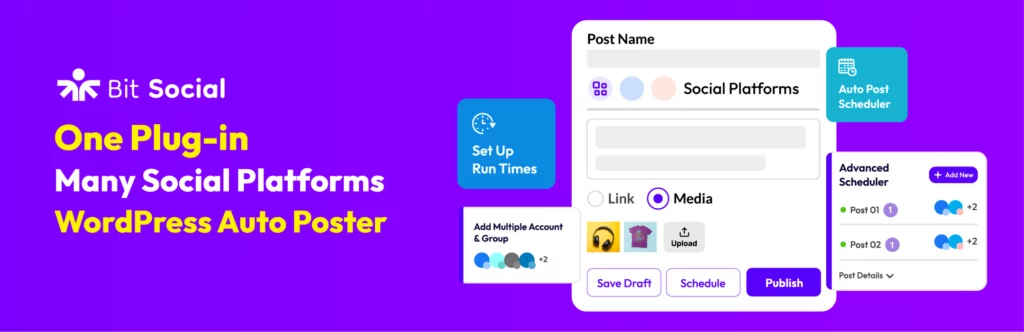
Bit Social WordPressパブリッシャーが投稿後に通常行われる作業を自動化するのに役立ちます。各ソーシャルプラットフォームを開いて個別の更新を作成し、リンクを手動でコピーする代わりに、1か所からWordPressコンテンツをスケジュールして共有できます。.
これは、ブログ、ニュースサイト、WooCommerceストア、プロダクトチーム、そして頻繁に公開するエージェンシーにとって重要です。投稿は公開されたら終わりではありません。適切なチャネルでの配信、タイミング、そして繰り返し表示されることも必要です。.
Bit Socialは、WordPressのコンテンツとソーシャルメディアへの投稿を連携させることで、そのプロセスを簡素化します。これにより、ソーシャルメディアアカウントを活発に維持し、プロモーション業務の漏れを減らし、チームが投稿スケジュールをよりスムーズに管理できるようになります。また、プロモーション活動を編集ワークフローそのものに密接に組み込むことも可能になります。.
ブロガー、パブリッシャー、WooCommerceストア、コンテンツマーケティングチームに最適です。公開後の手作業を増やすことなく、ソーシャル配信を一貫して維持するのに役立ちます。.

UpdraftPlusはWordPressのバックアップを自動化し、アクティブなウェブサイトにとって最も安全な習慣の一つです。バックアップのスケジュール設定、サイトファイルとデータベースの保存、リモートコピーの保管、サイトの復元、必要に応じたWordPressの移行が可能です。.
ウェブサイトが頻繁に更新される場合、これは重要になります。新しいコンテンツ、注文、メンバー、フォーム入力、プラグインの更新、テーマの編集、クライアントの変更はすべてリスクを生み出します。バックアップは、問題が発生した場合の復旧ポイントになります。.
UpdraftPlusは、メジャーアップデートやリニューアル作業の前に特に役立ちます。すべてがうまくいくだろうと願う代わりに、コピーを準備しておくことで、メンテナンス、移行、緊急復旧のストレスを軽減できます。すでに構築した作業を保護し、最も時間が必要なプレッシャー下での復旧を容易にします。.
データ損失や長時間のダウンタイムを許容できないあらゆるWordPressサイトに最適です。WooCommerceストア、クライアントサイト、アクティブなブログ、メンバーシッププラットフォームに不可欠です。.
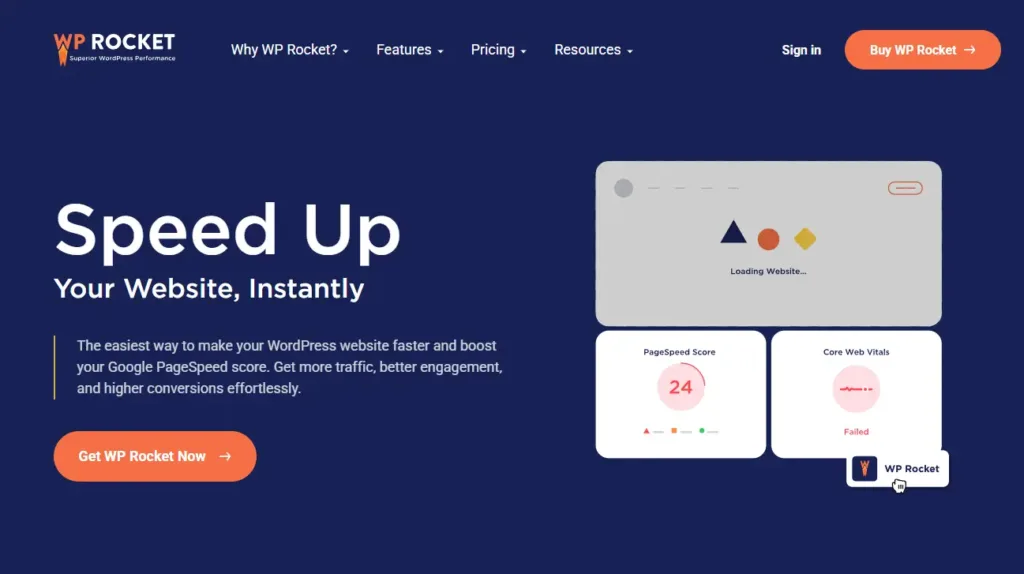
WP Rocketは、通常複数の設定やプラグインが必要となるWordPressのパフォーマンス改善を自動化します。ページキャッシュ、ブラウザキャッシュ、GZIP圧縮、プリロード、遅延レンダリング、画像最適化などのキャッシュとスピード機能を適用します。.
これは、ウェブサイトの表示速度が遅いと、訪問者はコンテンツを読む前に影響を受けてしまうため、重要です。ブログ、サービスページ、ランディングページ、WooCommerceストアなど、どのページも人々を引きつけるためには、高速な読み込みが必要です。.
WP Rocket は、ホスティングの質が低い、画像が大きすぎる、テーマが肥大化しているといった問題を魔法のように解決するものではありません。しかし、ウェブサイトの基盤がしっかりしている場合、WP Rocket は非技術者でも速度を改善し、Core Web Vitals のパフォーマンスを向上させ、日々のユーザーエクスペリエンスを向上させるための実用的な方法を提供します。また、忙しいサイトオーナーや小規模チームの日常的なパフォーマンスメンテナンスの負担を軽減します。.
ブログ、サービスウェブサイト、WooCommerceストア、および高速読み込みが必要なランディングページに最適です。サイト所有者がすべての設定を手動で操作することなく、WordPressのパフォーマンスを向上させるのに役立ちます。.
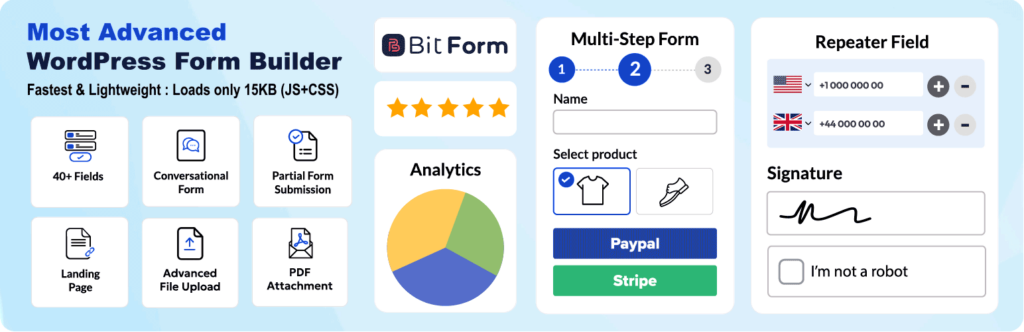
Bit Form WordPressサイトの多くの自動化ワークフローを開始するためのデータを、きれいに収集する方法を提供します。1つのビルダーで、お問い合わせフォーム、リードフォーム、支払いフォーム、登録フォーム、計算機、複数ステップフォーム、カスタムデータフォームを作成できます。.
このプラグインは、フォームは訪問者とあなたのビジネスとの間の最初のタッチポイントであることが多いため、便利です。送信されたフォームは、リード、サポートリクエスト、見積もりリクエスト、予約問い合わせ、寄付、注文、または内部タスクになり得ます。.
条件分岐、スタイル設定、レスポンシブレイアウト、エントリ、スパム対策、連携機能を備えたBit Formは、シンプルなフォームから高度なフォーム自動化まで幅広く活用できます。データを構造化して保持するため、後続のツールで適切に利用することが可能です。これにより、送信されたすべてのデータをより容易に処理、ルーティング、測定できるようになります。.
フォーム、問い合わせ、決済、カスタムデータ収集が必要なウェブサイトに最適です。フォームベースのWordPress自動化ワークフローの強力な出発点となります。.
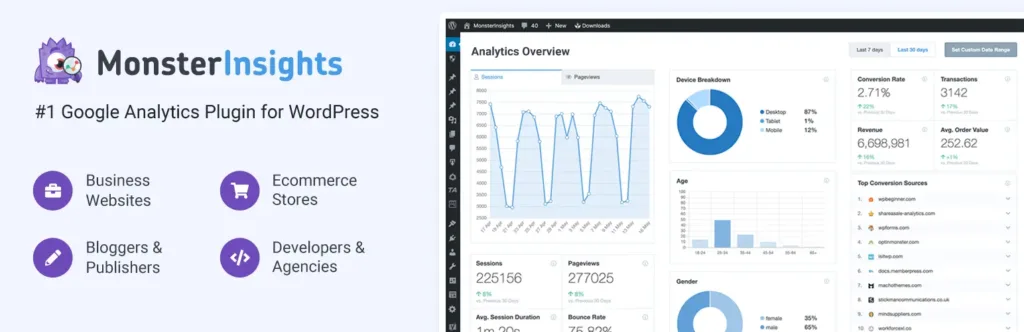
MonsterInsightsは、WordPressユーザー向けのGoogle Analyticsのセットアップとレポート作成を自動化します。トラッキングコードを手動で追加したり、Google Analytics内のすべてのレポートを確認したりする代わりに、WordPressダッシュボードから主要なウェブサイトデータを表示できます。.
これにより、コンテンツチーム、マーケター、ブロガー、ストアオーナーは、訪問者が実際に行っていることを理解できます。人気のページ、トラフィックソース、WooCommerceのアクティビティ、フォームコンバージョン、外部リンク、アフィリエイトリンク、ユーザー行動を追跡できます。.
このプラグインは、測定なしの自動化は推測に過ぎないため、役立ちます。MonsterInsights を使用すると、WordPress の成長戦略で、より注目すべきページ、キャンペーン、製品、フォームに関する明確なシグナルを得ることができます。生のアナリティクスを、チーム全体の日々の意思決定や将来のキャンペーンのための、より簡単な判断に変えます。.
マーケター、ブロガー、Eコマースチーム、エージェンシーにとって、より明確なレポート作成に最適です。WordPressの自動化の意思決定を、実際の訪問者とコンバージョンデータに結びつけるのに役立ちます。.
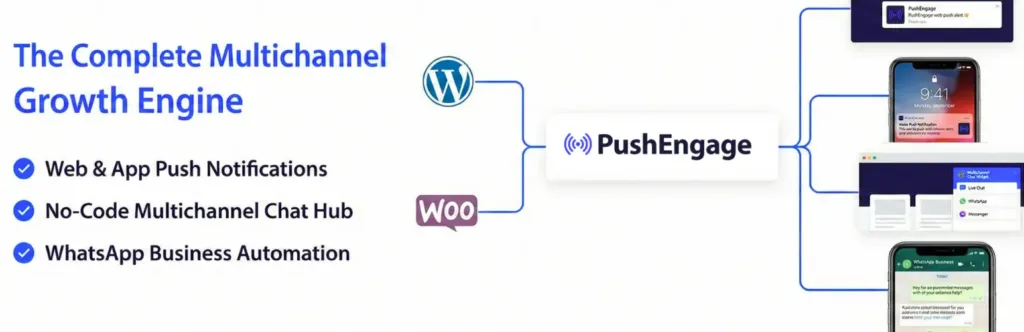
PushEngage helps automate visitor re-engagement with web push notifications. After visitors subscribe, you can send updates to their browser even when they are not currently on your website.
This is useful for blogs, publishers, WooCommerce stores, product sites, course platforms, and content-heavy businesses. Email is still important, but push notifications give you another way to bring people back quickly.
PushEngage becomes especially powerful for ecommerce automation. It can support cart abandonment reminders, browse abandonment messages, price drop alerts, back-in-stock notifications, campaigns, segmentation, and drip sequences that match visitor behavior. It helps recover attention after visitors leave without waiting for email opens, search traffic, or social reach.
Best for WooCommerce stores, publishers, blogs, and product websites that need repeat visits. It helps bring visitors back after they leave your WordPress site.
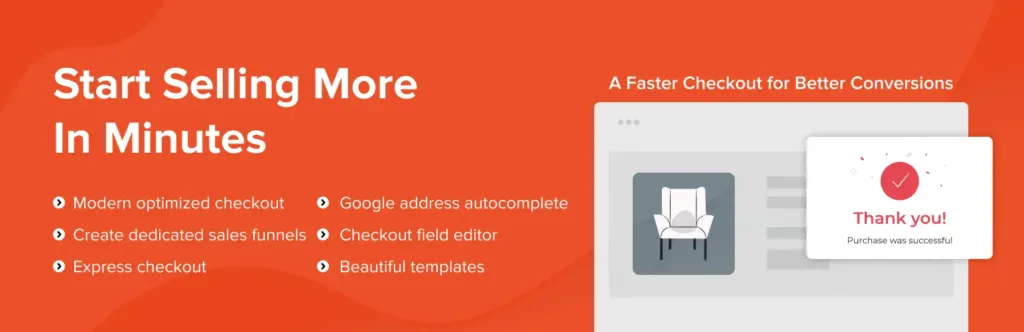
CartFlows helps WooCommerce sites automate and improve the buying journey. Instead of relying only on the default checkout page, you can build sales funnels with custom checkout steps, order bumps, upsells, downsells, thank-you pages, and cart recovery.
This is useful when you sell products, services, courses, digital downloads, or limited offers. A normal checkout collects payment, but a funnel guides the buyer through a cleaner path with fewer distractions.
CartFlows is especially helpful for stores running ads or focused campaigns. It gives sellers more control over checkout experience, offer placement, tracking, and post-purchase flow without replacing WooCommerce as the store engine. That balance keeps the store flexible and easier to improve after launch or campaign testing.
Best for WooCommerce stores that want better checkout flow and sales funnels. It is useful for digital products, courses, paid ads, and focused product campaigns.
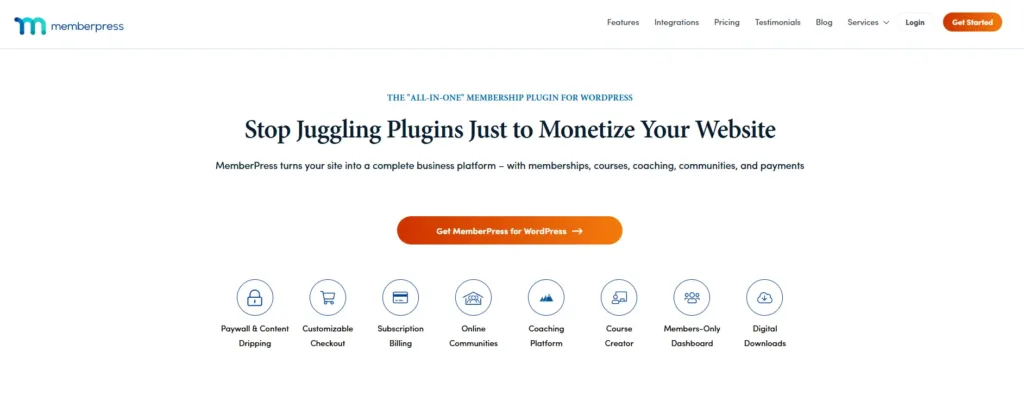
MemberPress helps automate the business side of gated content, memberships, subscriptions, communities, and online courses. You can create membership levels, protect pages, manage access rules, accept payments, and deliver content based on a user’s plan.
This is useful when your WordPress site sells private resources, premium posts, coaching material, downloads, course access, or community access. Without automation, managing who can see what becomes messy very quickly.
MemberPress gives site owners a structured way to turn content into a paid experience. It connects payment, access, account management, and content protection so members get the right access after signup or renewal. That makes recurring content businesses easier to run, support, improve, and scale well.
Best for creators, educators, communities, coaches, and subscription-based businesses. It helps automate paid access, renewals, and protected content delivery inside WordPress.
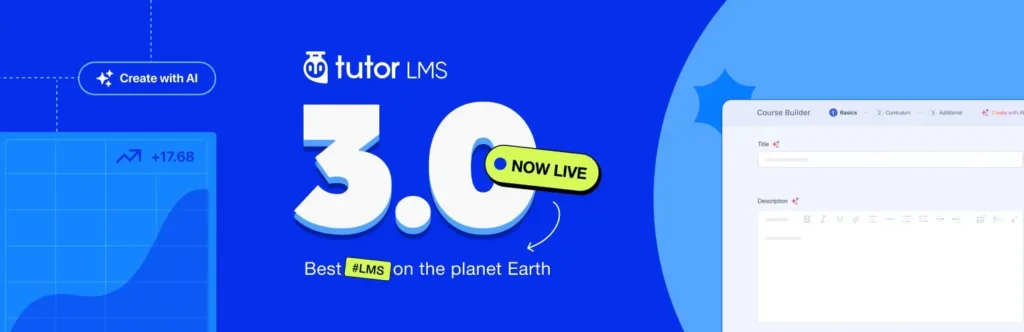
Tutor LMS helps automate online course creation and student management inside WordPress. You can build courses with lessons, quizzes, assignments, videos, certificates, student dashboards, instructor tools, and reporting features.
This is useful for teachers, course creators, coaching businesses, training teams, and education marketplaces. A course website needs more than protected videos. It needs structure, progress, assessments, communication, and learning records.
Tutor LMS gives you a dedicated learning system instead of forcing course content into normal blog pages. It helps manage the student journey from enrollment to completion while keeping the course business on WordPress. That makes it easier to scale learning content over time without losing control or clarity.
Best for course creators, training businesses, online schools, and learning marketplaces. It helps manage lessons, students, progress, and course delivery from WordPress.

Amelia helps automate appointments, events, staff schedules, customer notifications, payments, and recurring bookings. Visitors can choose a service, employee, location, date, time, and payment option through a guided booking flow.
This is useful for clinics, salons, consultants, agencies, trainers, repair services, schools, and local service businesses. Manual scheduling often leads to missed messages, double bookings, slow replies, and repeated reminder work.
Amelia gives businesses a cleaner booking system inside WordPress. It helps customers book faster, helps teams manage availability, and reduces the back-and-forth that usually happens before an appointment is confirmed. It is built for service teams that need reliable scheduling, fewer admin tasks, and cleaner calendars.
Best for clinics, consultants, salons, agencies, trainers, and service businesses. It helps reduce manual booking work and keeps schedules easier to manage.
The best WordPress automation tool depends on the task you want to remove from your daily routine.
Start with the work that happens most often. If your team manually sends form leads to a CRM, start with form and workflow automation. If every new post needs social sharing, start with social automation. If your site often breaks after updates, start with backups and security.
A good automation stack should answer five questions:
After that, add specialist plugins based on your site type. SEO sites need Rank Math and Internal Link Juicer. Multilingual sites need TranslatePress. Ecommerce stores may need CartFlows and PushEngage. Course and membership sites may need Tutor LMS or MemberPress. Service businesses may need Amelia.
Use Rank Math for SEO checks, Internal Link Juicer for internal links, Bit Social for social sharing, MonsterInsights for analytics, WP Rocket for speed, and UpdraftPlus for backups.
Add Bit Flows when you want to automate editorial tasks, AI summaries, lead routing, newsletter updates, or content approval steps.
Use CartFlows for checkout funnels, PushEngage for cart recovery, WP Rocket for speed, Wordfence for protection, MonsterInsights for ecommerce reporting, and UpdraftPlus for backups.
Add Bit Flows when you want to sync orders with CRMs, spreadsheets, support tools, email platforms, or custom APIs.
Use Amelia for appointment booking, Bit Form for inquiries, MonsterInsights for lead tracking, WP Rocket for performance, and Wordfence for security.
Add Bit Flows to route leads, send internal alerts, update CRM records, assign tasks, or trigger follow-up emails.
Use Tutor LMS for course delivery, quizzes, certificates, and student dashboards. Use MemberPress when paid access, subscriptions, and protected content are the main business model.
Add Bit Integrations or Bit Flows when you need to send student, payment, or member activity to other business tools.
Use TranslatePress to manage translations, Rank Math for SEO settings, WP Rocket for speed, and MonsterInsights to track performance by content and audience.
Add Bit Flows when you need language-based lead routing, multilingual notifications, or CRM updates.
The best WordPress automation setup is not the one with the most plugins. It is the one that removes the right manual work without making the site harder to manage.
Start by finding the tasks that slow your team down the most. It may be lead handling, content publishing, SEO checks, backups, checkout follow-ups, course management, bookings, or security monitoring. Once you know the real bottleneck, choosing the right tool becomes much easier.
A good automation stack should save time, reduce mistakes, improve response speed, and keep important data moving between the right places. It should also fit your current website, team size, budget, and technical comfort level.
Do not automate everything at once. Begin with one workflow that has a clear impact. Test it, improve it, and then move to the next repeated task. That simple approach keeps your WordPress site cleaner, faster, and easier to scale.



 JA
JA  EN
EN  DE
DE  ES
ES  NL
NL  IT
IT  PT
PT