
upto

Eindigt over:
00
D D
00
H H
00
M M
00
S S

D D
H H
M M
S S
You built an Uncanny Automator recipe that sends each WPForms lead to Google Sheets and pings your team on Telegram.
A few weeks later, the free app credits ran out. Or the new AI en automatisering plans cost more than you planned to spend.
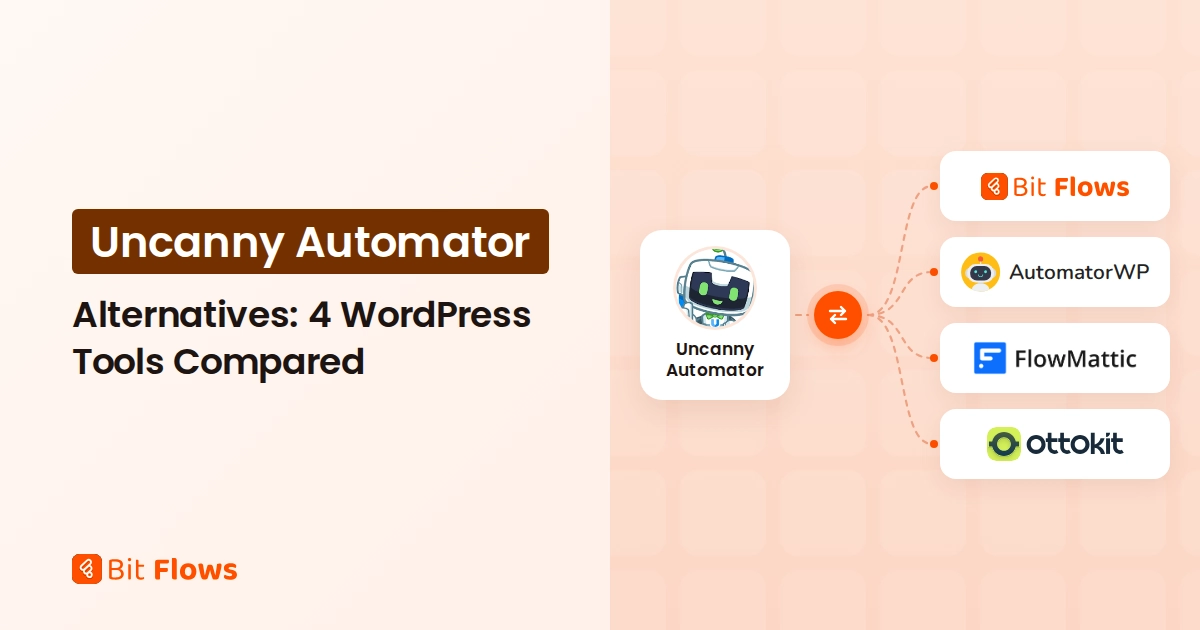
Four tools cover most of what Uncanny Automator does. Bit Flows puts branching, delays, and AI steps in its free plugin, and AutomatorWP is the closest recipe-style swap.
FlowMattic has the largest self-hosted catalog but no free plugin. OttoKit runs your workflows in its cloud and bills by task.
Bit Flows, AutomatorWP and FlowMattic run on your server with flat licenses. OttoKit runs in the cloud and counts tasks. Across these five tools, three years of an entry plan for one site costs between $177 and $900.
| Gereedschap | Runs on | Gratis optie | Gebruiksbeperkingen | Entry plan | 3-year cost | Geschikt voor |
|---|---|---|---|---|---|---|
| Uncanny Automator | Your server | Free plugin with 250 app credits | AI assistant usage metered | $300/yr | $900 | LMS sites that want an AI assistant |
| Bit Flows | Your server | Free plugin with a demo site for pro plugin | None | $59/yr | $177, or $159 lifetime | Branching and AI on a budget |
| AutomatorWP | Your server | Free plugin | None | $149/yr (2 sites) | $447, or $359 as a 3-year pass | A recipe-style swap |
| FlowMattic | Your server | Demo site | None | $149/yr | $447 | The largest self-hosted catalog |
| OttoKit | OttoKit cloud | 250 tasks a month | 5,000 tasks a month on Pro | $108/yr | $324 | Agencies with many low-traffic sites |
Most searchers hit one of four limits: free app credits, Pro-only workflow logic, the 2026 pricing change, or how Uncanny bills its AI assistant.
Uncanny Automator has earned its following. The plugin shows 40,000+ active installs and a 4.9 rating from 157 WordPress.org reviews. Its free version runs WordPress plugin triggers such as LearnDash with no usage cap.
We included tools that run on or connect to WordPress, catch plugin events natively, and offer a free version or demo.

Beste voor: branching workflows and AI steps without per-task fees.
Bit Flows replaces Uncanny’s sentence-style recipes with a drag-and-drop canvas, so you see every branch of a flow at once. It connects 334+ integrations, and the free plugin includes the logic tools Uncanny reserves for Pro:
Pro adds premium integrations, including LearnDash, MemberPress, Slack, and HubSpot. It also adds Human in the Loop approvals, an MCP Server, and a Run Code step for custom PHP. The Free vs Pro comparison lists every free platform.
Plans cost $59, $99, or $129 a year for 1, 5, or unlimited sites, and renewals cost the same. Lifetime licenses cost $159, $299, and $499.
Pas op voor:
Choose Bit Flows when you need routing, delays, or AI decisions on a free plan, or you want a lifetime license.

Beste voor: sites that like Uncanny’s trigger-and-action model and want a lower entry price.
The GamiPress team builds AutomatorWP, and it works like Uncanny: inside WordPress, with no credit system. The free plugin includes 600+ triggers, actions, and filters across 300+ plugins and platforms.
It also loops over users or posts and runs scheduled automations.
You unlock webhooks and per-action delays with a paid add-on pass: $149 a year for 2 sites, $249 for 10, or $499 for unlimited. A built-in AI Assistant drafts automations from a prompt.
It connects through the WordPress 7.0 AI connectors, so you supply your own OpenAI, Anthropic, or Google key.
Pas op voor: a smaller user base (6,000+ installs) and no human-approval or MCP features on its feature list.
Choose AutomatorWP when you want the smallest change from Uncanny and run gamification, community, or LMS plugins.
Beste voor: builders who want every feature in one license.
FlowMattic runs on your server, with a visual workflow builder and 918+ integrations. Every plan carries the full feature set: Router, Branch, Filter, Delay and Join steps, AI agents, the Jaadu AI copilot, an MCP server and client, and human approvals.
Site count sets the price, from $149 a year for 1 site to $549 for 100. Renewal stays optional. Your workflows keep running without it, except those that rely on the email parser.
Pas op voor: FlowMattic has no free plugin, so you test it on a demo site. It needs PHP 8.1+ and a working WordPress cron.
Choose FlowMattic when you’ll pay from day one and want the biggest catalog among the WordPress-native tools here.

Beste voor: agencies connecting many client sites with modest traffic.
OttoKit, formerly SureTriggers, runs your workflows on its own servers. A connector plugin links your site to its cloud and 1,500+ apps. OttoKit counts each completed action as one task and doesn’t charge for triggers.
The free plan gives you 250 tasks a month, 20 workflows, and one site, without delays or conditions. Pro costs $108 a year for 5,000 tasks and five sites, and adds delays, filters, and conditions.
Branch, Path, the API module, and human approvals start at Business, which costs $228 a year with unlimited sites.
Lifetime plans start at $499, and every plan includes an MCP server.
Pas op voor: your site data passes through OttoKit’s servers, and run logs stay for 3 to 30 days depending on the plan.
Choose OttoKit when you manage many sites, and your task volume stays predictable.
Choose Uncanny Automator if you want a managed AI assistant, LMS triggers on the free plan, and page-building tools in one license.
Kies Bit Flows if you need conditions, routing, delays, and AI agent steps on the free plan, MCP support, or a lifetime license. Both run on your server and charge no per-task fees.
| Functie | Uncanny Automator | Bit Flows |
|---|---|---|
| Bouwer | Sentence-based recipes; Pro conditions group actions | Drag-and-drop canvas with a Router node |
| Gratis plan | Unlimited plugin-to-plugin recipes, 250 app credits | Unlimited workflows, 15 trigger and 28 action platforms |
| Conditions, delays, loops | Pro | Gratis |
| Webhooks | Outgoing free, incoming Pro | Incoming and outgoing free |
| LearnDash triggers | Gratis | Pro |
| Slack, HubSpot | Free with app credits, unlimited on Pro | Pro |
| AI | Uncanny Agent with managed models and metered usage; recipe AI actions with your own key | AI Agent node with your own key (free); standalone AI actions |
| MCP | Not listed | Client free, Server Pro |
| Human approval | Not documented for recipes | Human in the Loop node (Pro) |
| Execution | Background for app actions and webhooks; developers can force foreground | Background queue; can wait for the full run |
| Extras | AI page builder; content and user addons on higher plans | Automation only |
| Entry price, 1 site | $300/yr after the first year; Legacy $199/yr | $59/yr at purchase and renewal; $159 lifetime |
| PHP | 7.4+ | 8.0+ |
WPForms lead → Condition (budget over $5,000) → yes: Google Sheets row + Telegram alert → no: wait 2 days → follow-up email
Start from the limit you hit in Uncanny Automator, then pick the tool that removes it.
| Your situation | Consider |
|---|---|
| LMS or membership site on a free plan | Stay with Uncanny Automator |
| A built-in AI assistant for site management | Bit Flows |
| Branching logic and AI steps without paying | Bit Flows |
| Same recipe model, lower entry price | AutomatorWP |
| WordPress-native catalog, all features in one license | FlowMattic |
| Many client sites with predictable volume | OttoKit |
Uncanny Automator remains a strong pick for LMS and membership sites, and the right one if you want its AI assistant. Look elsewhere when a specific limit gets in your way:
Pick one recipe you already run and rebuild it in the tool you’re considering. You’ll see the setup effort, and the plan that recipe needs before you move anything else.
Get the gratis Bit Flows-plug-in from WordPress.org and rebuild your busiest recipe first. Plans and lifetime options sit on the Bit Flows pricing page.
The free plugin runs unlimited automations between WordPress plugins and includes 250 one-time credits for external apps. Conditions, delays, loops, and incoming webhooks need a paid plan, which starts at $199 a year (Legacy) or $300 a year (AI + Automation) after first-year discounts.
Bit Flows and AutomatorWP publish free plugins on WordPress.org. OttoKit offers a free cloud plan with 250 tasks a month. FlowMattic offers a demo site instead of a free plan.
Its pricing page lists only yearly plans. Bit Flows sells lifetime licenses from $159, and OttoKit from $499. FlowMattic offers lifetime deals at its own discretion.
Only OttoKit, which counts each completed action against a monthly limit. Bit Flows, AutomatorWP, and FlowMattic sell flat licenses, though your host and any AI or email provider set their own limits and prices. Uncanny Automator’s paid recipes have no task limit, but it meters AI assistant usage.
App credits pay for recipe actions that send data to external apps such as Google Sheets, Slack, or OpenAI. A free account gets 250 credits once, and every site connected to that account shares them. Paid plans remove the credit limit.
Uncanny Automator branches through Pro conditions that group actions. Bit Flows includes Condition and Router steps in its free plugin. AutomatorWP uses filters to decide whether a trigger or action runs. FlowMattic includes Router and Branch steps on every plan. OttoKit adds Branch and Path at its Business plan, $228 a year.
Uncanny Agent doesn’t need one, because Uncanny manages its models and meters usage. Uncanny’s recipe AI actions take your own key. Bit Flows’ AI Agent runs on your own OpenAI, DeepSeek, Groq, or OpenRouter key. AutomatorWP’s AI Assistant also uses your own key, connected through the WordPress 7.0 AI connectors.